
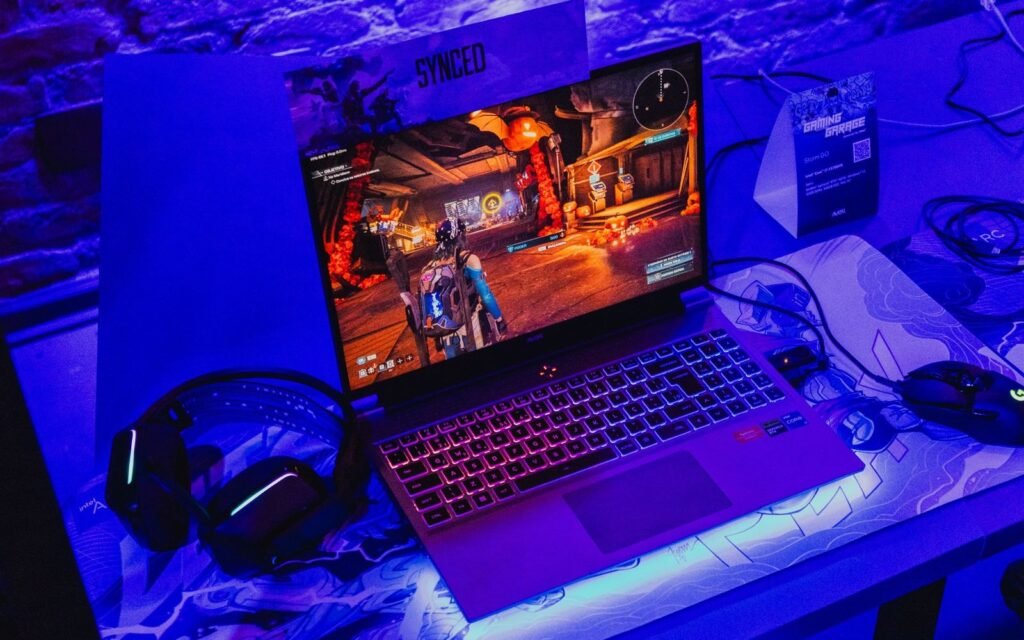
The most useful gift ideas for gaming laptop owners fix the four usual problems: heat, weight on the move, a full SSD and too few ports. Here are eight from Cooler Master, Logitech, Razer, Samsung, Anker and tomtoc, grouped by the problem each one solves, with honest notes on cooling pads and on matching chargers and docks to the laptop.
Players Enclave is reader-supported. Product links on this page go to Amazon, and as an Amazon Associate we earn from qualifying purchases, at no extra cost to you.
Quick picks
- Safest gift for almost any gaming laptop owner: Logitech G305 LIGHTSPEED
- For a laptop that runs hot during long sessions: Cooler Master NotePal X150 Spectrum
- For someone who has run out of space for games: Samsung T7 Shield 1TB
- For a laptop that travels: Razer Rogue 17 Backpack V3
Prices on Amazon change daily, so each gift shows a budget band based on the brand’s list price rather than a figure.
For a laptop that runs hot
Cooler Master NotePal X150 Spectrum
Budget: under $50
- Who it suits: a gamer who plays long sessions at a desk and hears the laptop’s fans at full speed.
- Why it makes a good gift: it tilts the laptop and blows air from a 160mm fan at its underside. Cooler Master lists support for laptops up to 17 inches, three USB 2.0 ports and a USB-C port on the pad, and a rated 26 dBA fan.
- The catch: a cooling pad helps only if the laptop pulls air in through its bottom panel. In a Notebookcheck test on an MSI gaming laptop with large bottom vents, a pad cut average CPU temperature by 12°C and GPU temperature by 6°C, but made the whole setup louder. Laptops with small or rear intakes gain much less.
- Compatibility: powered by USB. Big vent grilles under the laptop are a good sign. Unlike repasting, a pad does not risk the warranty.
For a laptop that travels
Razer Rogue 17 Backpack V3
Budget: $100 to $200
- Who it suits: a student or commuter carrying a big gaming laptop.
- Why it makes a good gift: it is built around a big gaming laptop, with a padded, scratch-resistant laptop compartment, a tear- and water-resistant exterior and a rain cover.
- The catch: it is pricey, and the compartment is sized for 17 to 18 inch laptops.
- Compatibility: for 15 or 16 inch laptops, pick a smaller Rogue size.
tomtoc Defender-A14 laptop briefcase (17.3 inch)
Budget: under $50
- Who it suits: someone who likes their bag but wants padding for the laptop.
- Why it makes a good gift: it adds padded corners and drop protection to whatever bag the laptop goes in, and tomtoc lists compatible gaming laptops from ASUS, Acer, MSI, HP and Razer.
- The catch: tomtoc lists an inner depth of about 2.5 cm (0.98 inches). Many gaming laptops are thicker than that, especially older or high-end models.
- Compatibility: check the laptop’s thickness on the maker’s spec page first. Inner size is listed as 40.5 by 29.0 cm.
For a laptop that is out of storage
Samsung T7 Shield 1TB portable SSD
Budget: over $100
- Who it suits: a gamer who keeps uninstalling games to make room for new ones.
- Why it makes a good gift: it holds a large game library or video captures, runs at up to 1,050 MB/s over USB 3.2 Gen 2, and is rated IP65 for dust and water resistance.
- The catch: memory prices have climbed this year, so it costs more than it used to. Games also load slower from it than from an internal SSD.
- Compatibility: USB-C, with a USB-A cable option. Full speed needs a 10 Gbps USB port.
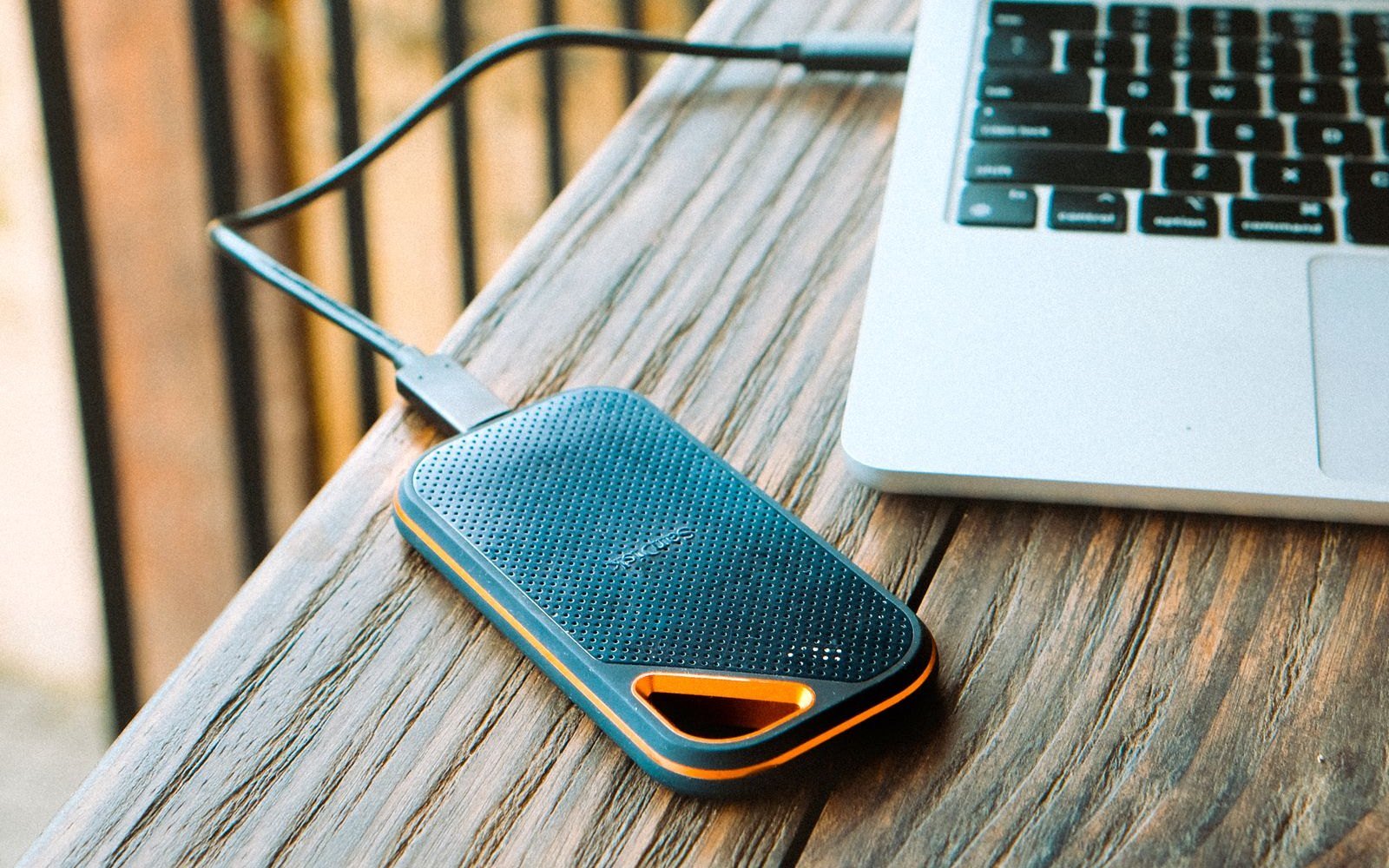
An internal SSD is often the better upgrade, but it means opening the laptop. Check the warranty first: our guides to the MSI and Gigabyte laptop warranties explain what each brand allows.
For a laptop with too few ports
Anker 341 USB-C Hub (7-in-1)
Budget: under $50
- Who it suits: a gamer who keeps running out of USB ports.
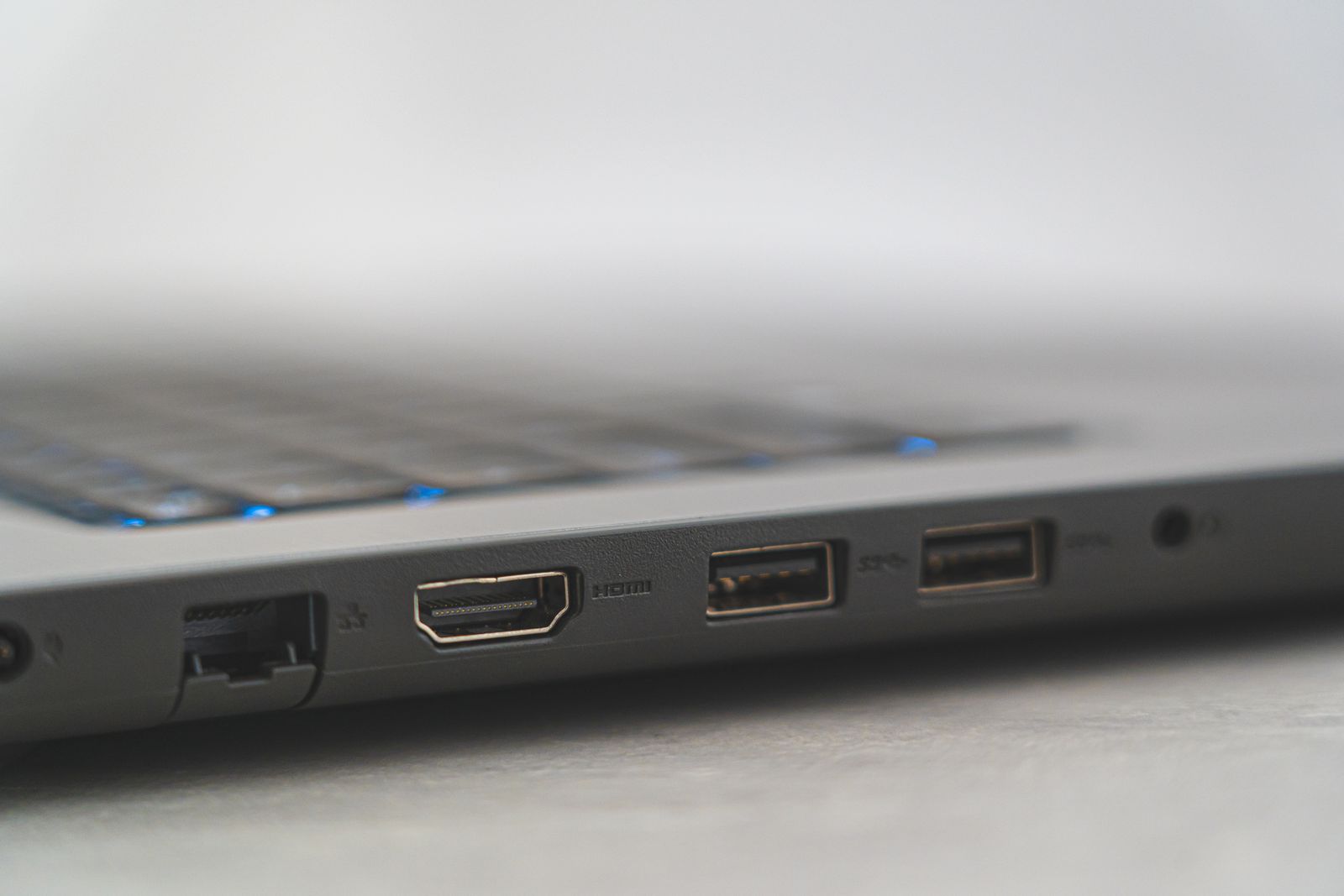
- Why it makes a good gift: it adds two USB-A ports, a USB-C data port, an HDMI port and SD and microSD card readers, and Anker lists up to 85W of pass-through charging.
- The catch: its HDMI output is limited to 4K at 30Hz, which is fine for a second screen but not for gaming. 85W of pass-through charging is far below what most gaming laptops draw under load.
- Compatibility: needs a USB-C port with data, plus video support (DisplayPort Alt Mode) for its HDMI port. For a gaming monitor, use the laptop’s own HDMI port, which on many gaming laptops is wired to the dedicated GPU.
Anker Prime Charger (100W, 3 Ports, GaN)
Budget: $50 to $100
- Who it suits: someone whose gaming laptop can charge over USB-C and who wants a small travel charger.
- Why it makes a good gift: it charges a laptop, phone and earbuds from one plug, with up to 100W from one USB-C port.
- The catch: 100W covers light use but not gaming, so it cannot replace the main charger. Anker recommends a 100W-rated (E-Marker) USB-C cable, which is not included.
- Compatibility: only for laptops that list USB-C Power Delivery charging on their spec sheet. Many gaming laptops charge only through their own barrel or slim-tip connector.
A note on chargers and docks
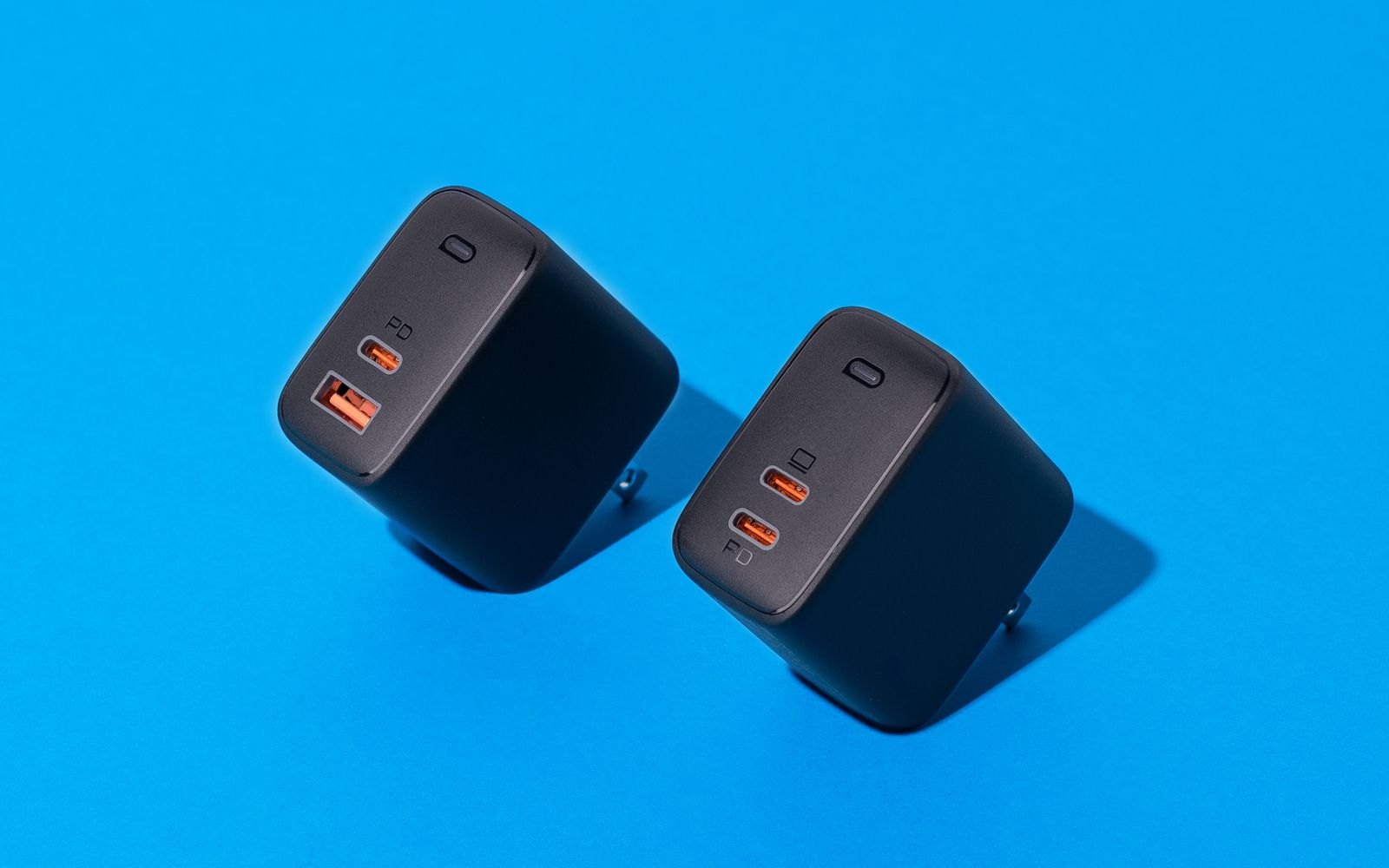
No charger fits every gaming laptop. A replacement or spare charger must match the laptop’s connector type and at least its original wattage, which is printed on the original power brick and in the manual. A lower-wattage charger can leave the battery draining while plugged in during games; our guide to a laptop battery draining while plugged in explains why. If you can’t confirm the model, give a gift card instead.
For a better mouse than the trackpad
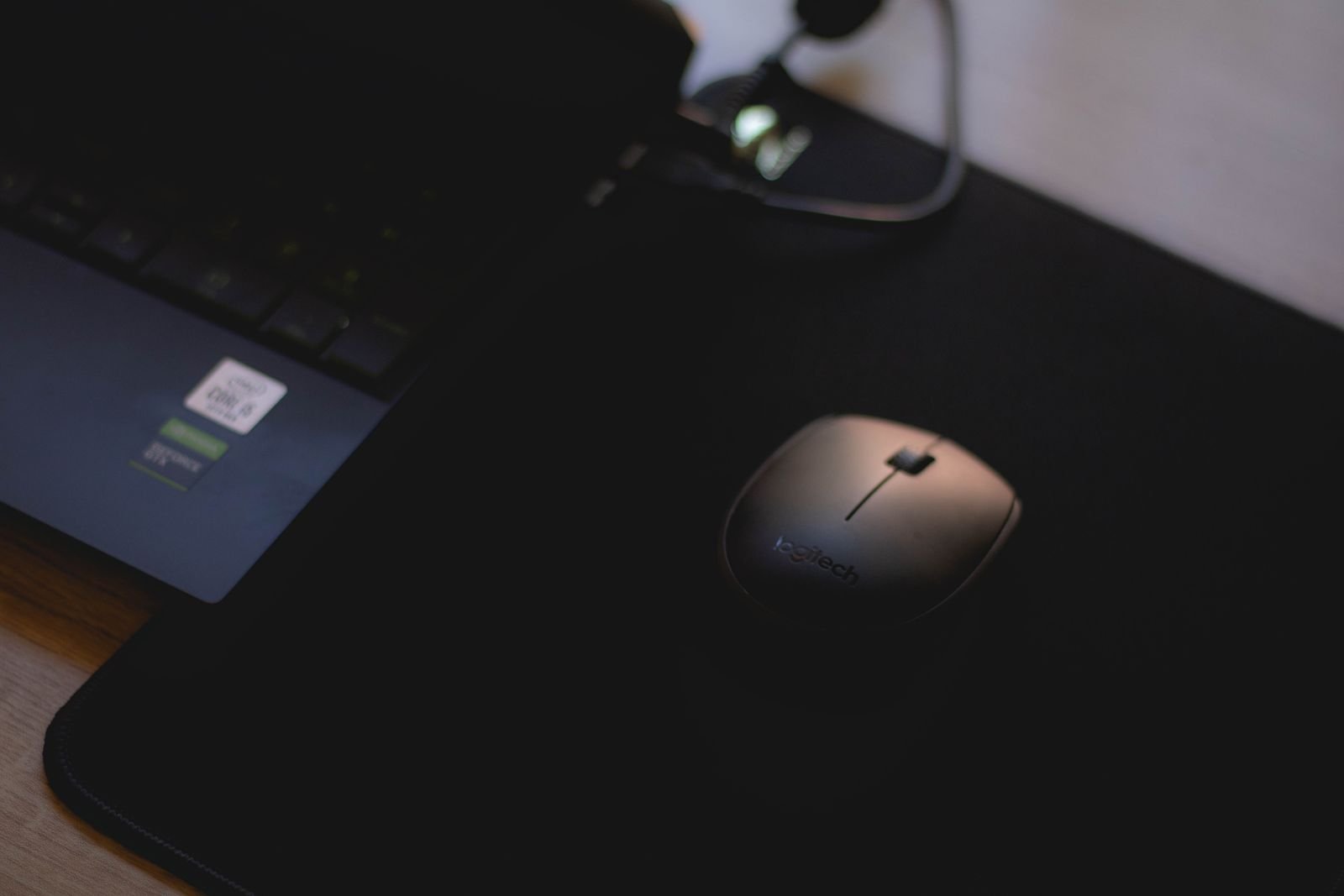
Logitech G305 LIGHTSPEED
Budget: under $50
- Who it suits: almost any gaming laptop owner still using the trackpad or an office mouse.
- Why it makes a good gift: it is wireless with a low-latency 2.4 GHz USB receiver that stores inside the mouse, runs up to 250 hours on one AA battery, and has a HERO sensor with up to 12,000 DPI and six programmable buttons.
- The catch: it needs a USB-A port, and it may feel small in very large hands.
- Compatibility: Windows and macOS. USB-C-only laptops need an adapter.
Razer Orochi V2
Budget: $50 to $100
- Who it suits: a gamer who plays away from a desk and wants a mouse that fits in a laptop bag.
- Why it makes a good gift: it weighs under 60g, connects through a 2.4 GHz HyperSpeed receiver or Bluetooth, and runs up to 425 hours on HyperSpeed or around 950 hours on Bluetooth from a single AA or AAA battery.
- The catch: it is small, so large hands may find it cramped.
- Compatibility: the receiver needs a USB-A port; Bluetooth works without one.
What to check before you buy
- The laptop model. It is on the sticker underneath. You need it for chargers and sleeves.
- Screen size and thickness. Bags and sleeves are sized by screen size, but gaming laptops are thicker than most.
- Ports. Count the USB-A and USB-C ports, and check whether USB-C supports charging and video.
- Warranty. Avoid gifts that need the laptop opened, such as RAM or internal SSD upgrades, unless the owner is happy to do it and the maker allows it.
Gifts to skip
- “Universal” laptop chargers. Interchangeable tips and low wattage are a poor match for gaming laptops.
- Cheap cooling pads with tiny fans. They add noise without moving enough air to matter.
- Thermal paste kits. Opening the laptop may affect the warranty.
After adding a dock or monitor, check games still use the dedicated GPU with our guide to a laptop not using its dedicated GPU. More guides are in our gaming laptops section.
More gift ideas: gift ideas for PC gamers under $50, under $100 and stocking stuffers for gamers and gaming setup gift ideas for teens and gaming upgrades to buy with a gift card. Buying a new laptop instead? Read our Black Friday gaming laptop and PC deals guide.
Photos: Matheus Bertelli, Annie Hatuanh, Castorly Stock, I’m Zion and Katlego Mongatane on Pexels, free to use under the Pexels License.