Got an Amazon gift card or some holiday money and want the biggest improvement for it? For most gamers the order is simple: an SSD first if your drive is full or slow, then more RAM only if 16GB is actually holding you back, then a faster monitor if you are still on 60Hz, and peripherals last. This guide ranks the gaming upgrades to buy with a gift card by how much difference each one makes for the money, and shows you how to check each one fits before you spend.
Players Enclave is reader-supported. Product links on this page go to Amazon, and as an Amazon Associate we earn from qualifying purchases, at no extra cost to you.
One thing to know first: memory and storage are more expensive in late 2026 than a year ago, so RAM and SSDs give a little less per dollar than usual. That makes it more important to buy the upgrade you will actually feel.
1. Storage: the upgrade you feel first
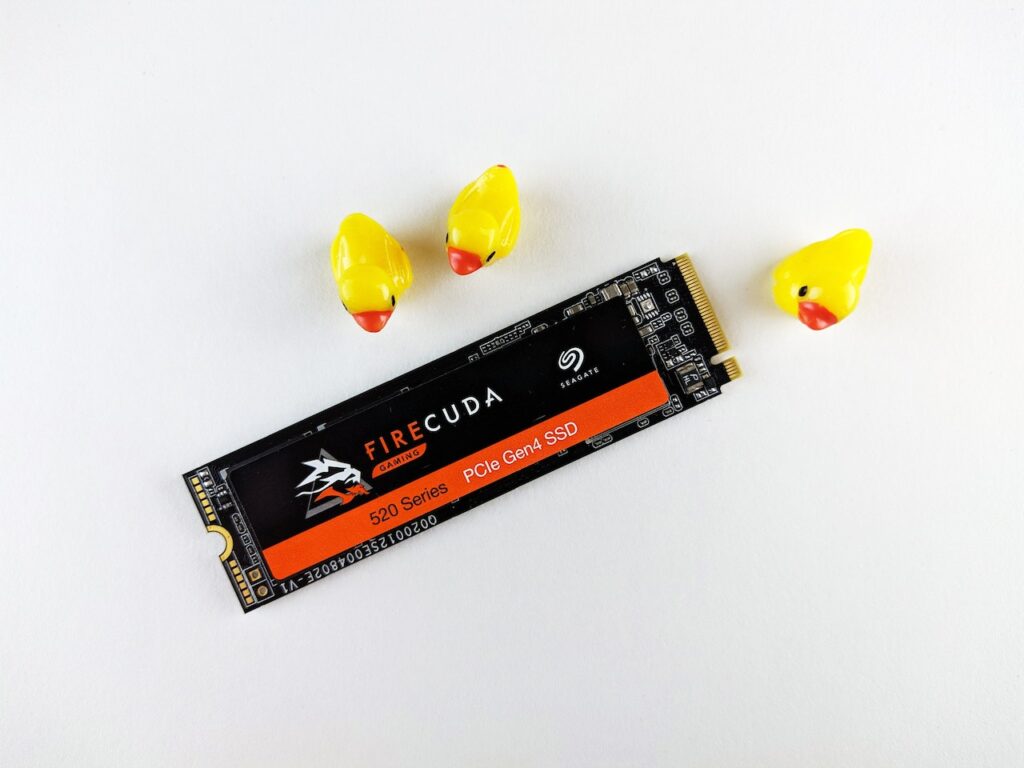
If your games drive is nearly full, or games take an age to load, storage is where a gift card does the most. There are two ways to add it.
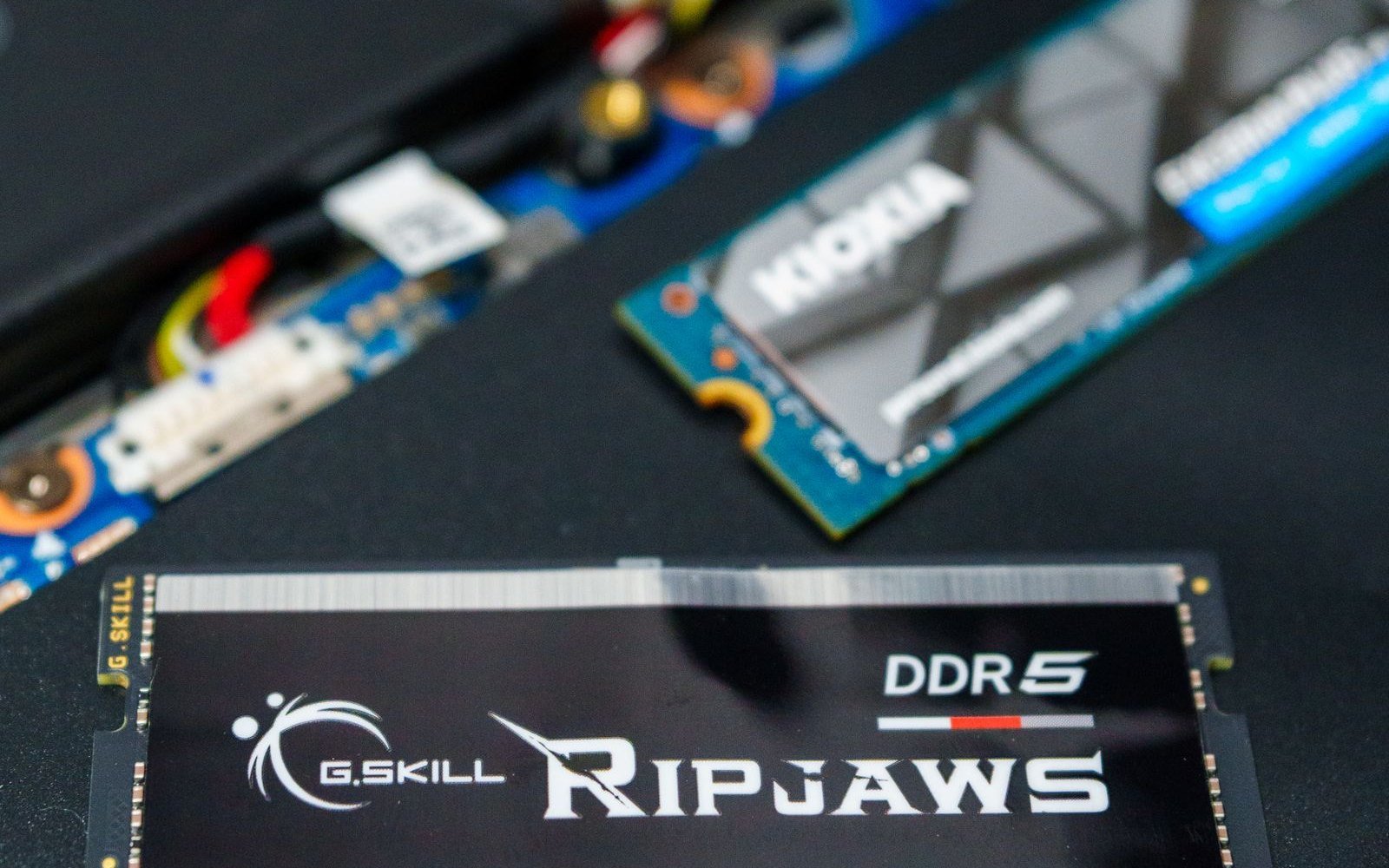
Crucial P3 Plus 1TB (internal NVMe)
Budget: $50 to $100
- Buy this first if: your PC or laptop has a free M.2 slot, or a small, slow boot drive you want to replace.
- Why it is worth it: it is a PCIe Gen4 NVMe drive rated up to around 5,000 MB/s, per Crucial, so games and Windows load noticeably faster than from a hard drive or an older SATA SSD, and 1TB holds a real library.
- The catch: fitting it means opening the PC or the laptop’s base. On a desktop that is easy; on a laptop, check the maker’s warranty rules first.
- How to check it fits: it is an M.2 2280 drive. Check your motherboard or laptop has a free M.2 slot that takes an NVMe (M-key) drive. A Gen4 drive works in a Gen3 slot, just at Gen3 speed.
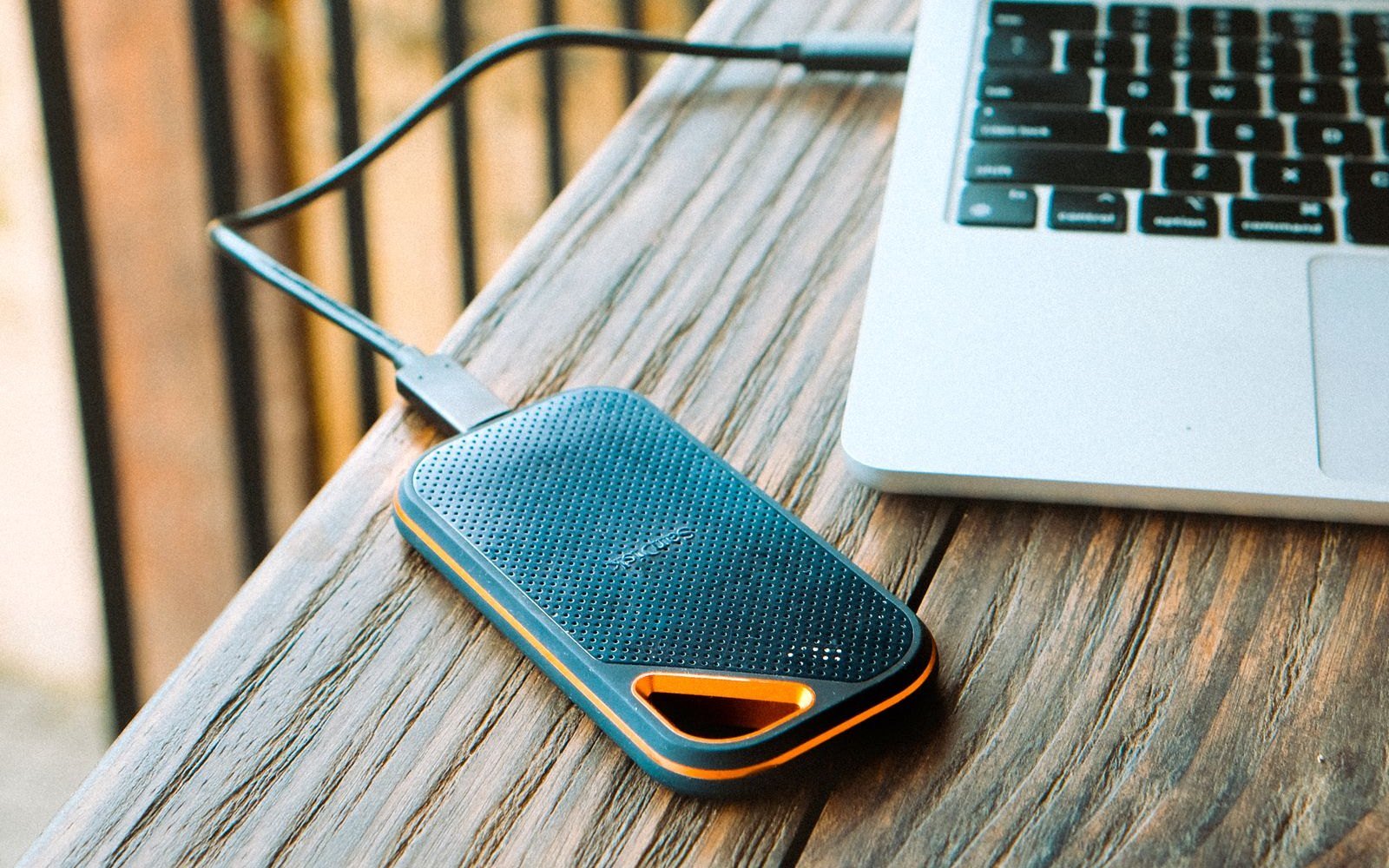
Samsung T7 Shield 1TB (portable)
Budget: over $100
- Buy this first if: you do not want to open your PC, or you game on a console and need more space.
- Why it is worth it: it plugs in over USB-C at up to 1,050 MB/s and is rated IP65 for dust and water, per the B&H listing. Many PC games can be installed straight to it from the launcher.
- The catch: it is slower than an internal NVMe drive, and memory prices have pushed its cost up this year.
- How to check it fits: needs a USB-C port; a 10 Gbps (USB 3.2 Gen 2) port gives full speed. On PS5 and Xbox it stores and plays last-gen games, and archives current-gen ones.
Not sure how much you need? Our guide on whether a 500GB SSD is enough for gaming breaks down what today’s games actually take up.
2. RAM: only if 16GB is holding you back
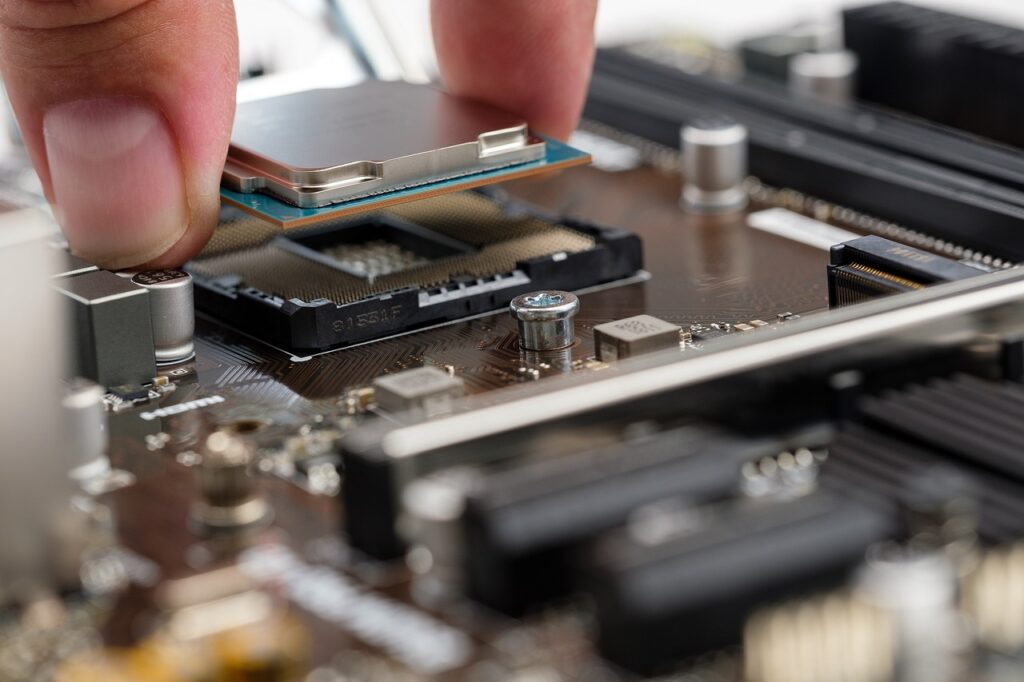
Jumping from 16GB to 32GB is worth it if you stream, keep a browser full of tabs open while you play, or run modern open-world games that lean on memory. If you have 16GB and never run out, it will not add frames on its own. The DDR4 and DDR5 kits below are not interchangeable, so the one thing that matters is matching your motherboard.
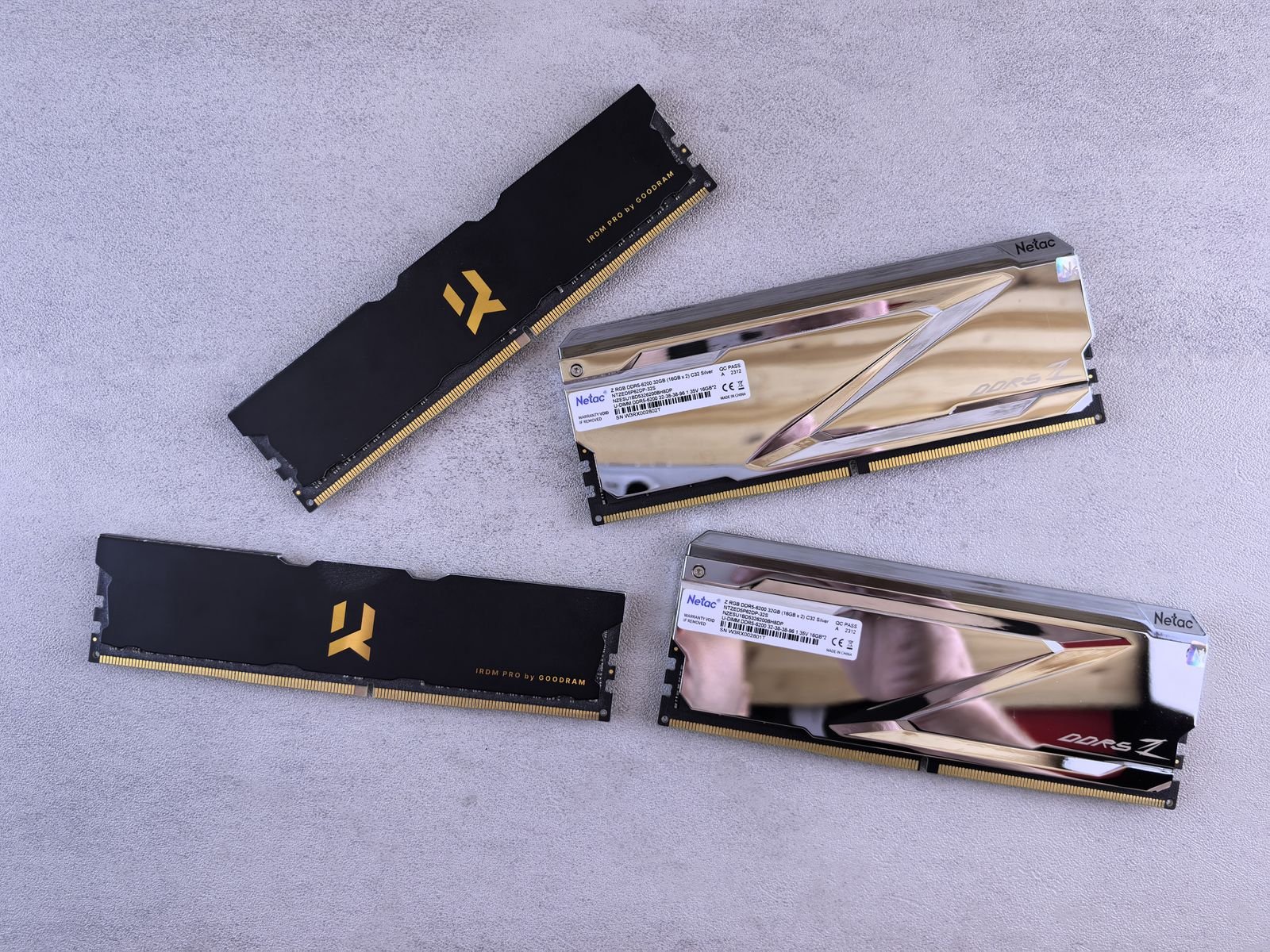
Corsair Vengeance DDR5 32GB (2×16, 6000MHz)
Budget: $100 to $200
- Buy this first if: you built or bought your PC recently and the games you play are hitting the 16GB ceiling.
- Why it is worth it: a 2x16GB kit at 6000MHz is the sweet spot for gaming, and two sticks in dual channel beat one. It carries XMP and EXPO profiles for easy setup.
- The catch: DDR5 prices have climbed this year, so this costs more than it did. 32GB only helps if you were genuinely RAM-limited.
- How to check it fits: your motherboard must support DDR5. DDR5 and DDR4 use different slots and are not cross-compatible. Desktops use DIMMs; laptops use smaller SO-DIMM sticks, so check which your machine takes.
Corsair Vengeance LPX DDR4 32GB (2×16, 3600MHz)
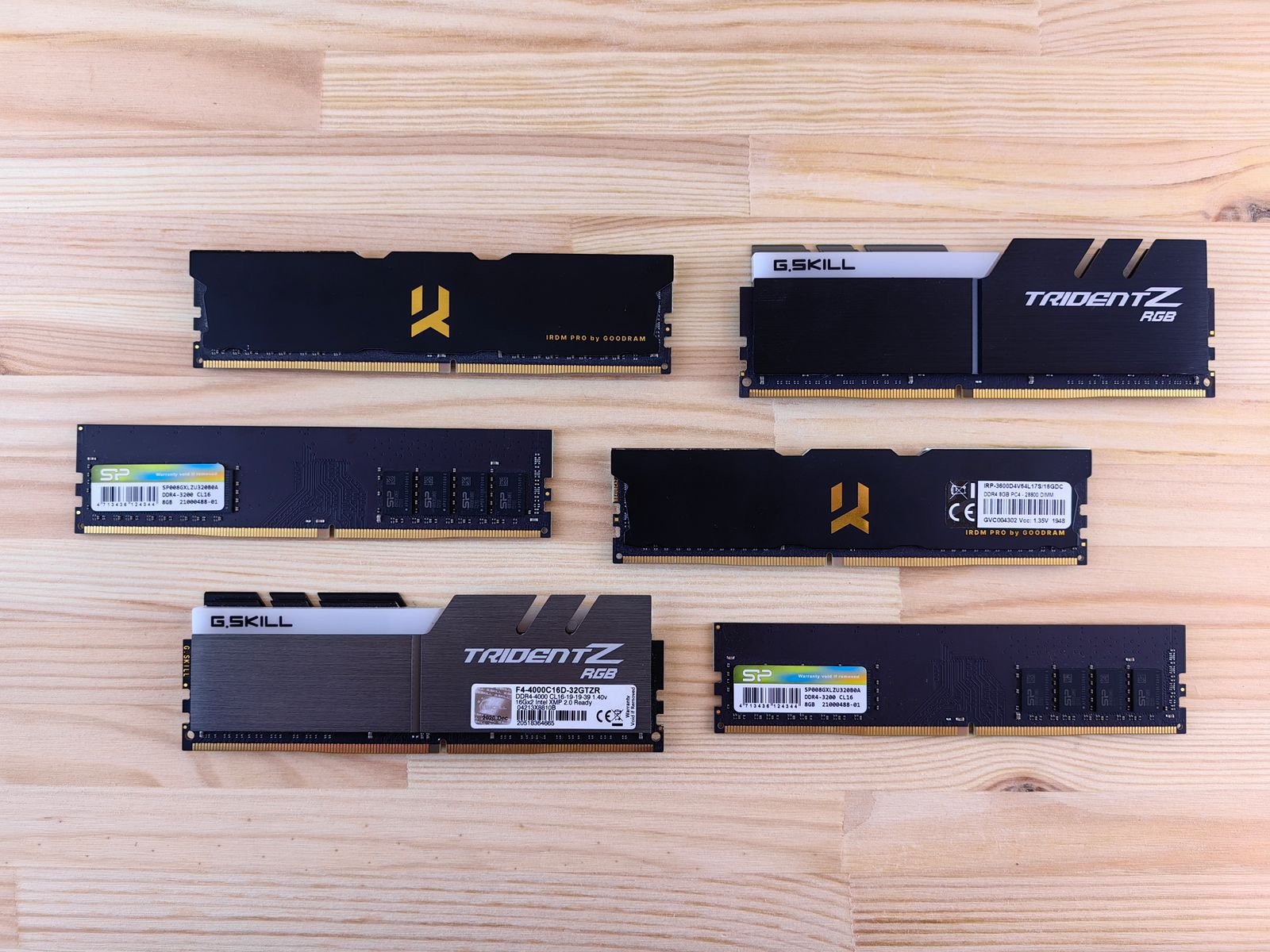
Budget: $50 to $100
- Buy this first if: your PC is a year or two old and uses DDR4.
- Why it is worth it: it is a proven low-profile DDR4 kit that clears most CPU coolers, and 2x16GB in dual channel is the right setup for gaming.
- The catch: there is no point buying DDR4 for a DDR5 board, or the reverse. Confirm which your system uses first.
- How to check it fits: check your motherboard’s memory type (DDR4 here) and that you have two free slots, or plan to replace the existing sticks.
Our guide on whether 32GB of RAM is enough for gaming explains when the jump actually changes anything.
3. A faster monitor: if you are still on 60Hz
If your PC can push high frame rates but your screen is a 60Hz office monitor, a high-refresh gaming monitor is the upgrade that makes everything feel smoother. Match the monitor to your graphics card.
ASUS TUF Gaming VG249Q3A (1080p, 180Hz)
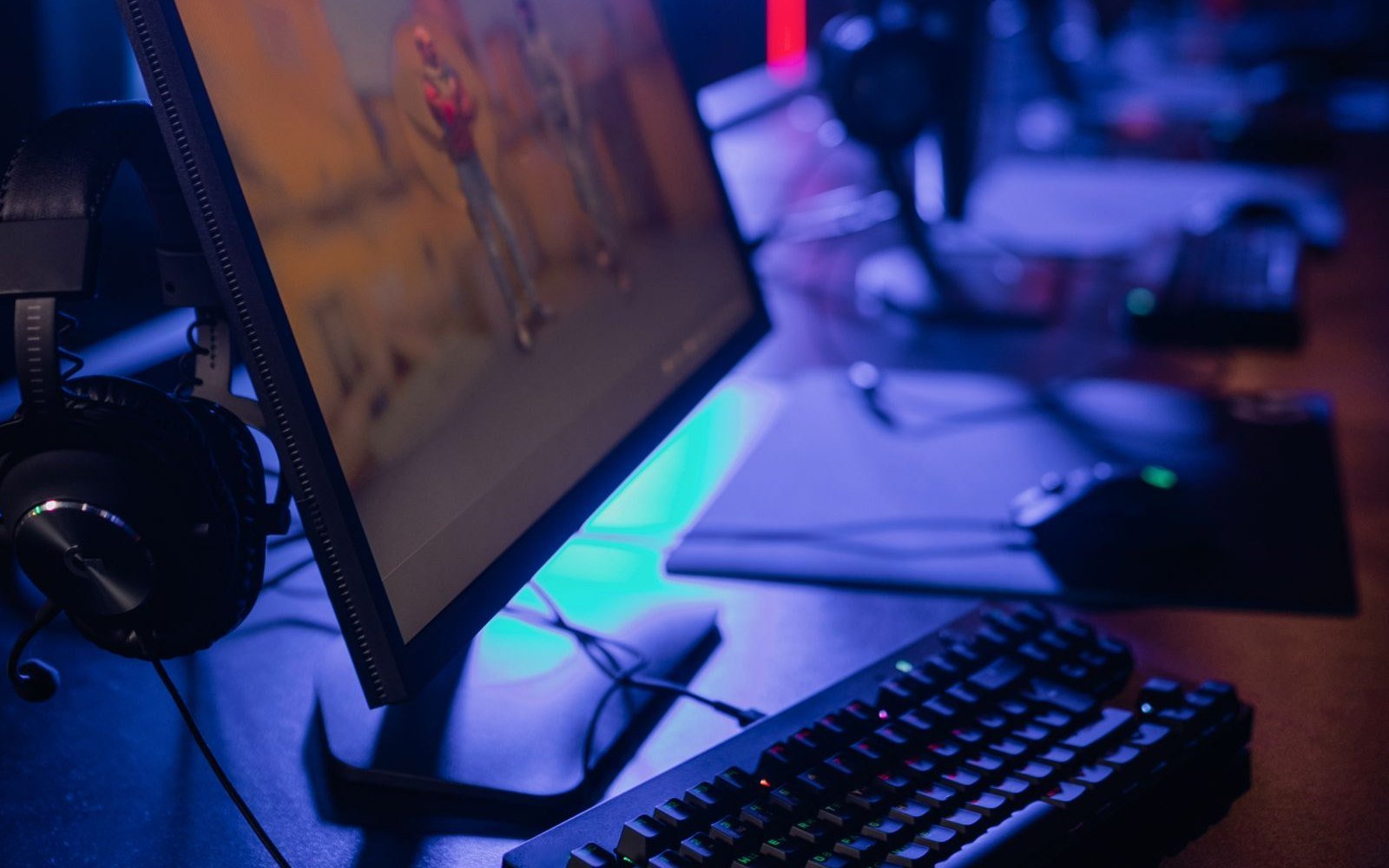
Budget: $100 to $200
- Buy this first if: you have a mid-range graphics card and still game on a 60Hz screen.
- Why it is worth it: it is a 24-inch 1080p Fast IPS panel at up to 180Hz with FreeSync Premium, per ASUS, the easiest high-refresh screen to drive.
- The catch: the stand only tilts. To hit 180Hz in demanding games you need a card around the RTX 5060 level, though lighter esports titles get there on less.
- How to check it fits: it has DisplayPort 1.2 and two HDMI 2.0 ports. Check your graphics card has a spare DisplayPort or HDMI output.
Dell G2724D (1440p, 165Hz)
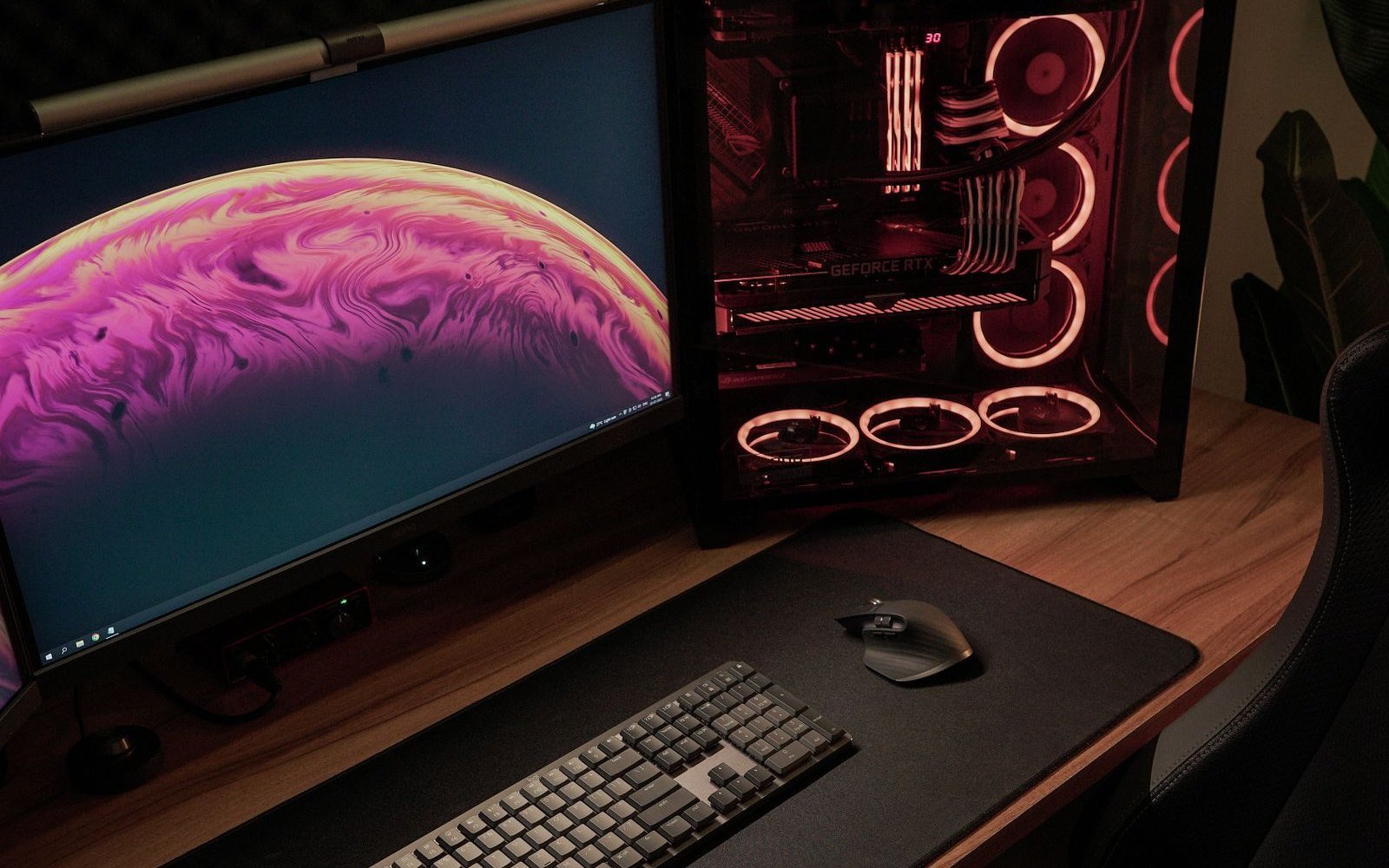
Budget: $200 to $300
- Buy this first if: you have a stronger graphics card and want a sharper, bigger picture.
- Why it is worth it: it is a 27-inch 1440p IPS panel at up to 165Hz, G-Sync and FreeSync compatible, as Tom’s Hardware notes.
- The catch: 1440p at 165Hz asks for an RTX 5070-class card or better in new games. On a mid-range PC, the 1080p screen above is the better match.
- How to check it fits: 165Hz needs DisplayPort (HDMI caps at 144Hz). Confirm your graphics card has a DisplayPort output.
Our guides to 165Hz gaming monitors and gaming monitors under $300 go deeper on panels and refresh rates.
4. Peripherals: the finishing touches
A mouse, keyboard or headset will not add frames, but a good one you use every day is a fair way to spend what is left of a gift card. We have two full lists: gift ideas for PC gamers under $50 covers mice, a headset stand and desk upgrades, and under $100 covers keyboards, headsets and microphones. For a wireless mouse that is hard to get wrong, the Logitech G305 is a safe pick.
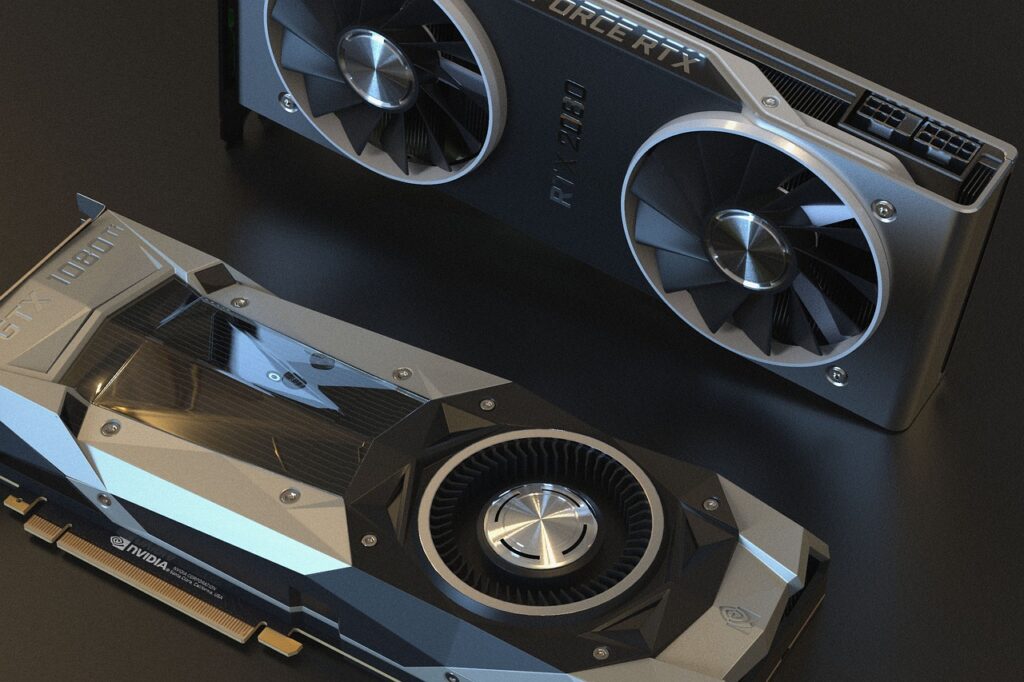
Thinking about a new graphics card?
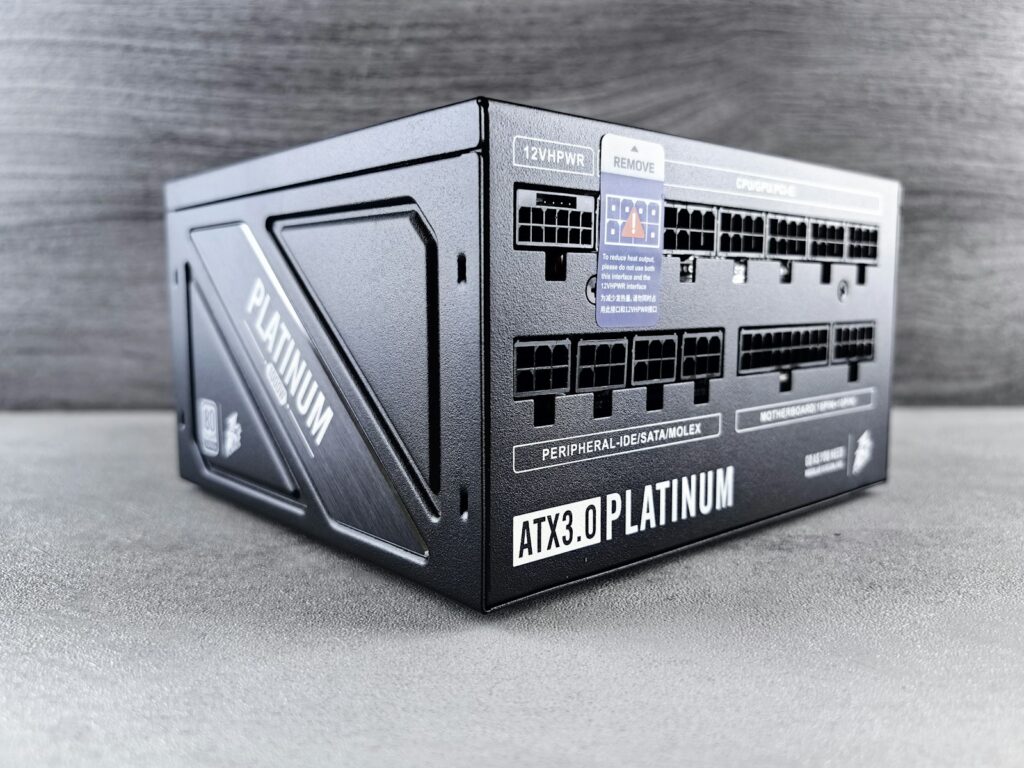
A GPU is the biggest single jump in performance, but it is rarely a gift-card purchase on its own, and a new card can need more power than your supply provides. Before buying, check our guide to gaming PC power consumption to see what a given card draws, and whether your power supply can handle it. More component guides are in our PC Components section.
What not to spend it on
- RGB for the sake of it. Lights do not make games run better. Buy the faster part in plain black if it saves money.
- A RAM upgrade when 16GB is not the bottleneck. If you never run out, the money does more on storage or a monitor.
- A tiny 256GB or 500GB SSD. One or two modern games fill it. 1TB is the sensible floor now.
- A graphics card the rest of your PC cannot feed. A strong GPU with a weak CPU or too little power just bottlenecks.
- No-name parts to save a few dollars. With memory, a known brand with a warranty is worth the small premium.
More gift ideas: under $50, under $100, stocking stuffers for gamers, gift ideas for gaming laptop owners and gaming setup gift ideas for teens. Buying a whole new machine? See our Black Friday gaming laptop and PC deals guide.
Photos: Richard L, Annie Hatuanh, Andrey Matveev, Alena Darmel and Nikhil Pawar on Pexels, free to use under the Pexels License.