
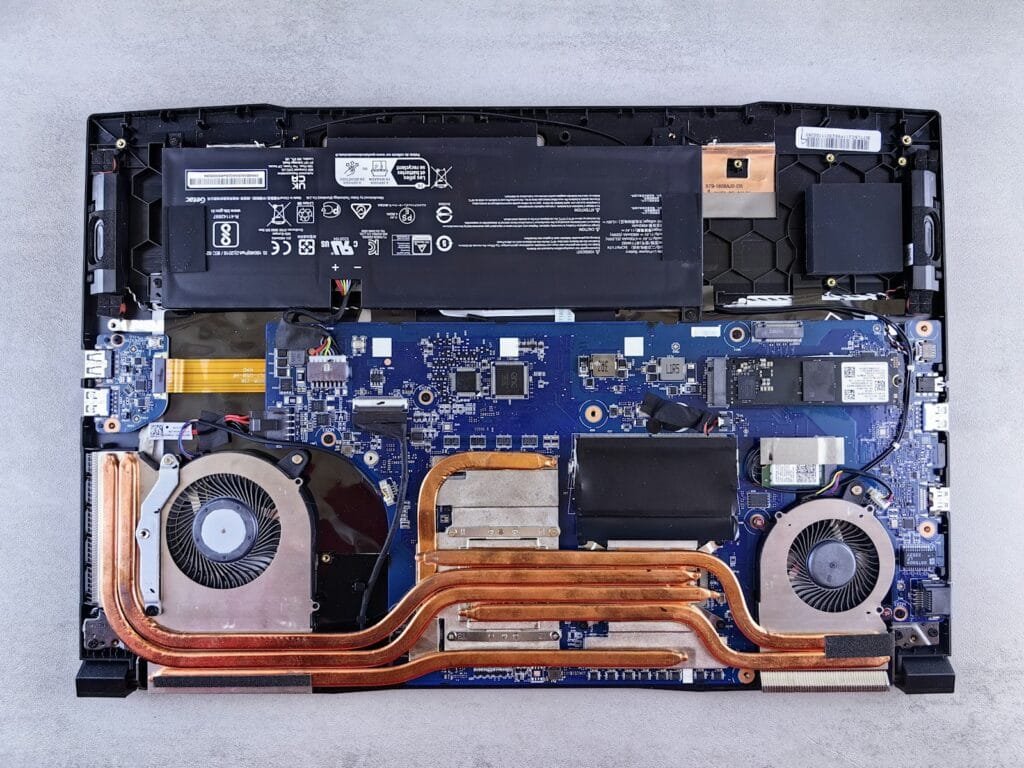
Quick answer: MSI’s warranty documents describe two years of limited cover on the laptop itself, with the battery and power adapter covered for one year, but the exact terms depend on the country where you bought it. Register the laptop and upload your invoice in MSI’s Member Center, because without proof of purchase MSI calculates the warranty from the manufacturing date. Upgrading RAM or storage does not void the warranty, but damage caused by the upgrade is not covered.
Terms checked against MSI’s notebook warranty book, MSI US support pages, MSI Canada’s warranty pages and Laptop Mag’s 2023 MSI support test, October 2026.
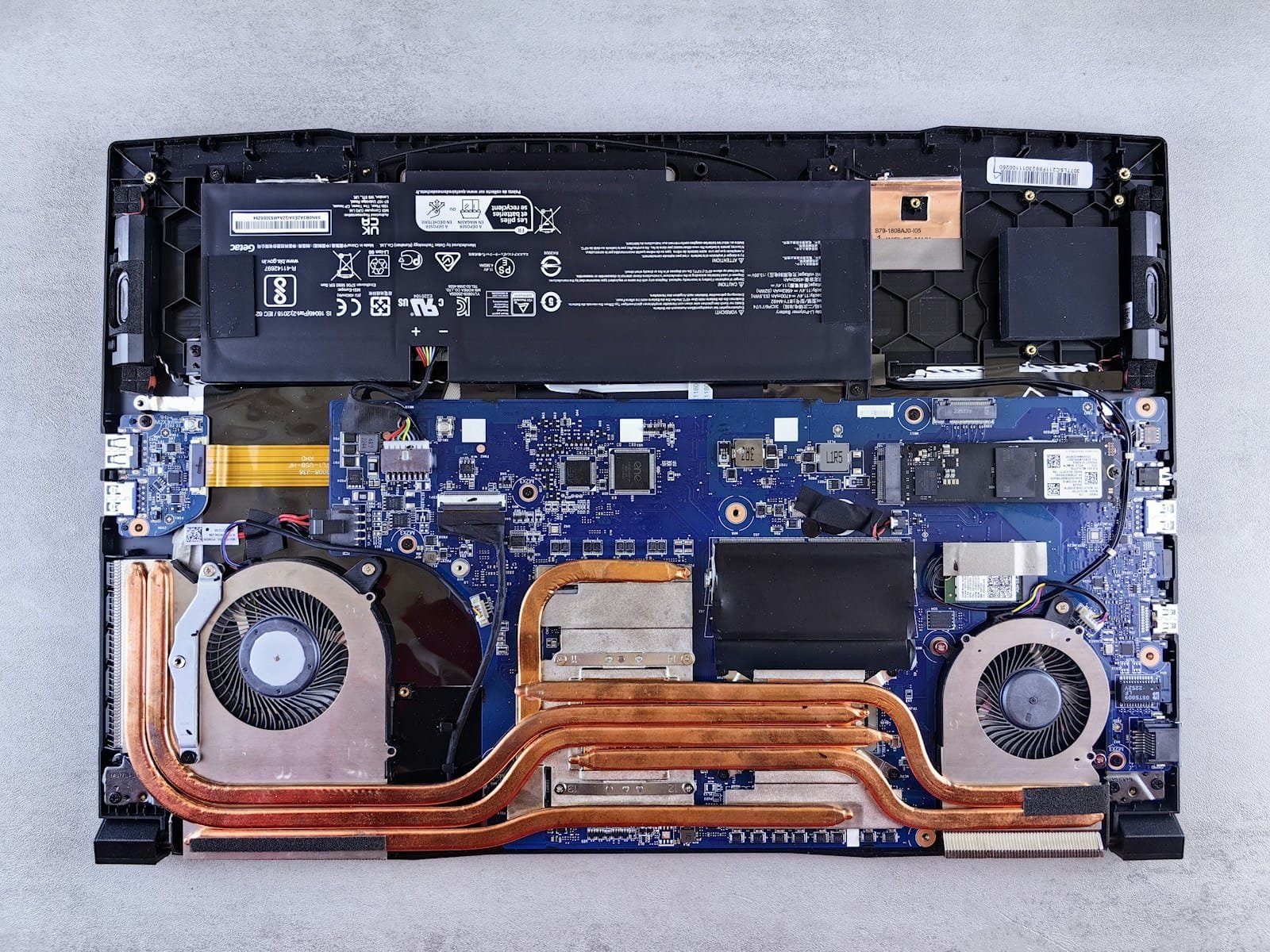
How long is the MSI laptop warranty?
The English text of MSI’s notebook warranty book describes a two-year limited warranty, with batteries and adapters covered for one year and bundled accessories for three months. Laptop Mag’s 2023 test of MSI support reported the same 24-month hardware cover, with the battery and adapter at 12 months. MSI India’s FAQ lists two years for gaming laptops.
Terms still vary by country and seller, so the reliable check is your own serial number. MSI’s Warranty Check page shows the status of your unit after you enter the serial number.
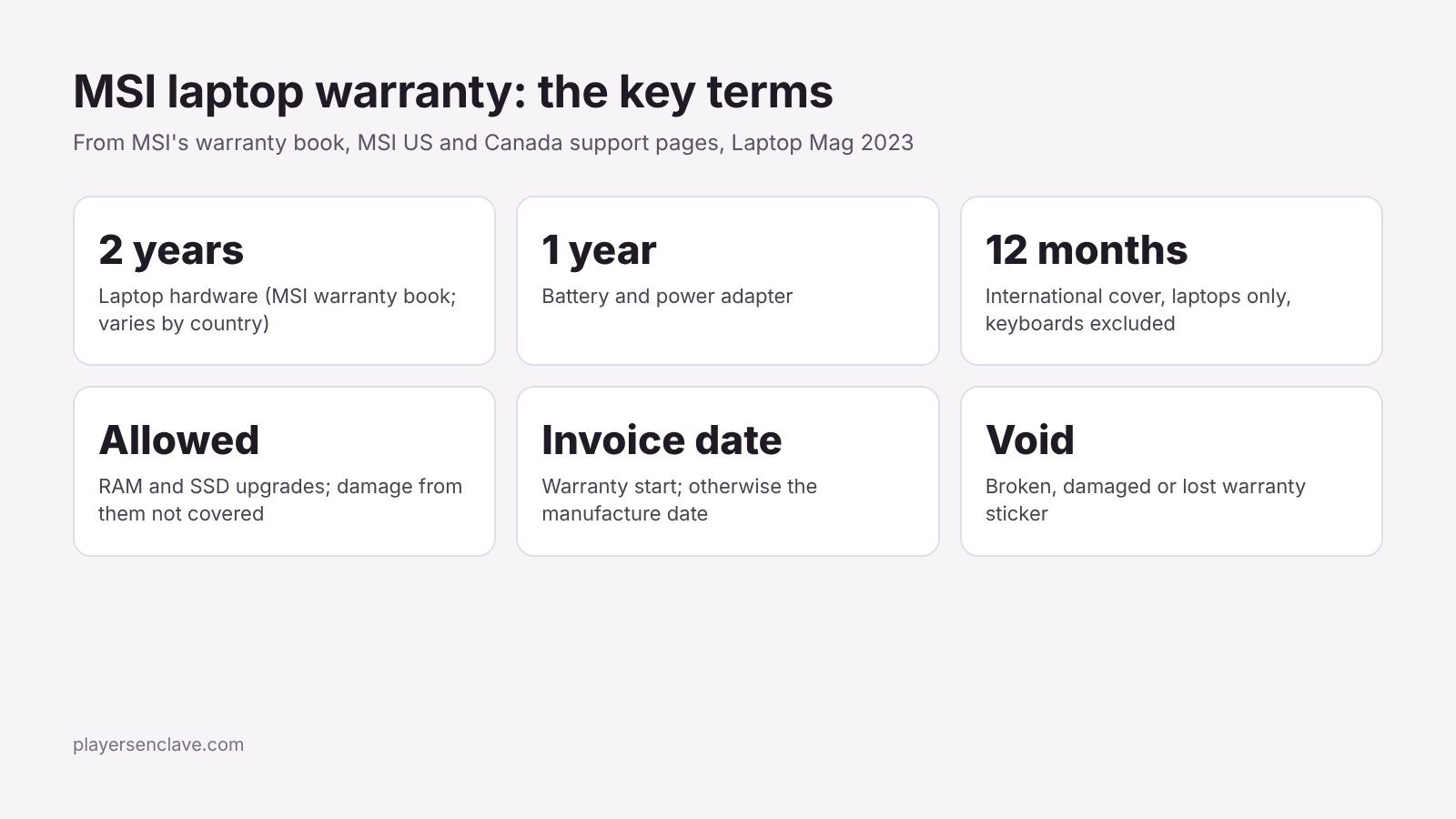
MSI laptop warranty at a glance
| Term | What MSI’s documents say |
|---|---|
| Laptop hardware | Two-year limited warranty in MSI’s English warranty book; varies by country |
| Battery and adapter | One year |
| Bundled accessories | Three months |
| Warranty start | Invoice date; without proof of purchase, the manufacturing date from the serial number |
| RAM and SSD upgrades | Allowed; damage caused by the upgrade is not covered |
| Warranty sticker | Breaking, damaging or losing it voids cover |
| International cover | 12 months, laptops only; keyboards excluded |
| Parts from a paid repair | Three months |
| Accidental damage | Not covered, including by MSI’s extension packages |
Why registering your invoice matters
MSI’s US warranty FAQ strongly recommends registering through the MSI Member Center and uploading your purchase invoice. If you cannot prove the purchase date, the warranty is calculated from the manufacturing date in the serial number. A laptop that sat in a warehouse for months can therefore lose part of its warranty before you ever open the box. Registering on day one avoids that.
Does upgrading RAM or the SSD void the MSI warranty?
No, with one condition. Laptop Mag was told that RAM and storage upgrades do not void the warranty, but any damage caused by the upgrade is not covered. MSI India’s warranty FAQ says the same and suggests having upgrades done at an MSI service centre. This is more explicit than some rivals: Gigabyte, for example, only excludes non-approved parts without saying upgrades are allowed, as we cover in our Gigabyte laptop warranty guide.
Two things will cost you cover. MSI’s warranty book excludes damage from parts not certified by MSI, and it voids cover if the warranty sticker is broken, damaged or lost. Use quality parts, work carefully, and leave every sticker intact.
What is not covered?
- Accidents, drops, liquid damage and natural disasters
- Scratches, cracks and leaks on the LCD surface
- Damage from non-MSI batteries or adapters
- Unauthorized repairs or modifications
- Software, beyond what was pre-installed; MSI’s service does not reinstall your operating system or drivers, so back up first
- Damage from overclocking, according to an MSI agent quoted by Laptop Mag
How does the international warranty work?
MSI says only its laptops and handheld PCs carry a 12-month international limited warranty. Every other MSI product must be serviced in the region where it was sold. The warranty book adds three limits worth knowing before you travel:
- Keyboards are not replaced under the international cover.
- Repairs use parts from local stock, so an identical part may not be available.
- You need proof of purchase within one year, and you pay shipping to and from the service centre.
How do you start an MSI laptop RMA?
- Check the store first. If the laptop failed in the first days, MSI Canada’s terms direct early failures back to the original store for replacement. Within any return window, the retailer is usually the fastest route.
- Register and check status. Register the serial number and invoice in the MSI Member Center, then confirm the warranty status.
- Contact support. In the US, Laptop Mag found MSI’s laptop live chat runs 24/7, and the laptop RMA phone line is 1-888-447-6564. A web ticket is also an option.
- Back up and pack. Copy your data, keep the original box if you can, and send the laptop with its adapter if the fault involves power.
- Approve any charges. For out-of-warranty work, MSI’s warranty book says it quotes parts, labour and shipping and asks for consent before starting.
What is MSI support like to deal with?
In Laptop Mag’s 2023 test, MSI scored 64 out of 100. The online channels did well: live chat connected within three minutes and solved the question, and a web ticket sent at 8:17am was answered before 11am. The US phone line did badly, with long silences, a dropped call and a promised callback that had not arrived seven business days later. The lesson is to use chat or a ticket rather than the phone, and to keep every case number.
Is an MSI warranty extension worth it?
MSI sells extensions in some countries. Laptop Mag reported prices of $80 to $144 for one to three extra years in the US. MSI Canada’s extension terms show the catches: you must buy it within three months of the laptop, register it within a month of buying it, keep the extension sticker on the laptop, and accept that accidental damage and the battery are still excluded. If accidental damage is your main worry, an extension will not help.
Our tips on making a gaming laptop last help you avoid needing the warranty at all.
Photo by Andrey Matveev on Unsplash, used under the Unsplash License. Diagram: PlayersEnclave.