

A computer marketed as an All-In-One device is usually built under space constraints. The general idea is that it will not excel in specific tasks such as gaming, CAD drawing, or working as a server or workstation.
All-in-one computers are best suited for basic tasks:
- Creating spreadsheets
- Word processing
- Browsing the internet
- Playing simple games, unless the machine is equipped with a dedicated graphics card
Serious gamers who enjoy high-graphics Role Playing Games, First-Person Shooters, or intensive graphics games require a high-end gaming computer that can be upgraded. It is advisable to avoid purchasing a system that cannot be upgraded.
Table of Contents
In this post, we’ll examine the limits of gaming on All-In-One (AIO) computer. Let’s begin with understanding what AIO is.
What is an all-in-one computer?
An all-in-one computer merges the essential components of a computer, such as the CPU, monitor, and speakers, into a single unit. Unlike conventional desktop computers, these do not need separate peripherals or a separate monitor. They are designed to save space, look elegant, and be simple to set up.
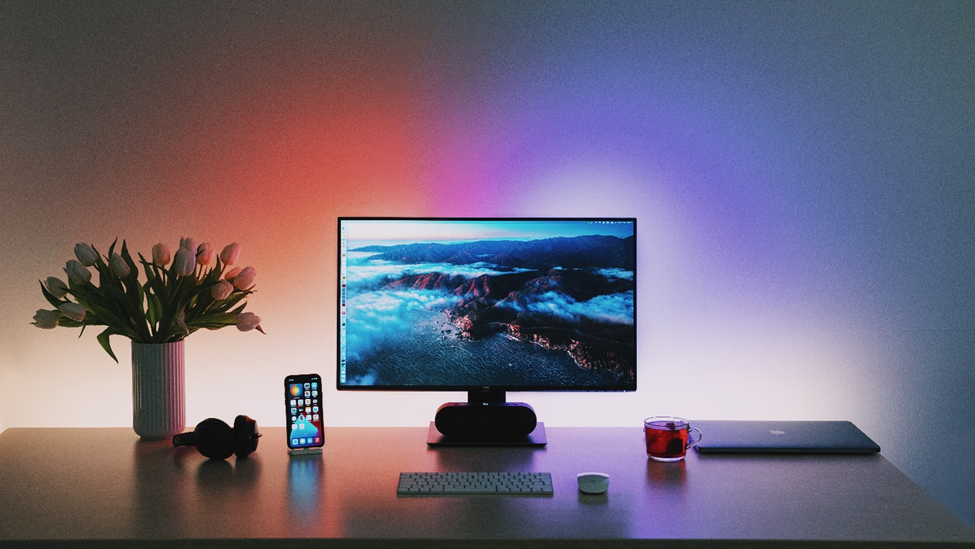
Advantages Of Using an All-in-one Gaming PC
Space-saving
The space-saving design is one of the major benefits of an all-in-one computer. These computers merge all the main components into a single unit, which occupies much less space than a conventional desktop computer. Therefore, all-in-one computers are suitable for smaller homes, apartments, and offices with limited space.
Stylish
All-in-one PCs are famous for their elegant and contemporary designs. They are created to appear sleek and modern, which makes them a desirable choice for people who prioritize aesthetics. Their trendy appearance can make them an ideal fit for any location in the house or workplace.
Easy to use
All-in-one computers are simple to operate because all of the computer’s parts are combined into one device, eliminating the need to deal with cords or other extras. This feature makes all-in-one computers an ideal option for individuals who are not knowledgeable about technology.
Touch Screen
All-in-one computers typically feature touchscreens due to their popularity among content creators and office workers who need to interact with their screens for work. Touchscreens simplify tasks by allowing users to scroll quickly without a mouse or keyboard. However they may lack the higher refresh rates that come with dedicated monitors.
Drawbacks of Using All-in-One Computers For Gaming
Limited Upgradeability
The primary drawback of all-in-one computers for gaming is their limited ability to be upgraded. Typically, these computers come with integrated components, making upgrading them challenging. This limitation can be a significant obstacle for gamers who aim to enhance their computer’s performance.
Overheating
All-in-one computers have a higher likelihood of overheating compared to regular desktop computers. Every component sits behind the display in a thin enclosure, which leaves little room for airflow and makes heat harder to disperse. This matters most for gamers, since sustained load over a long session is exactly the condition these chassis handle worst.
Limited Performance
All-in-one computers are generally unsuitable for demanding gaming because they do not provide the same level of performance as a specialised gaming PC at the same price. Much of this comes down to the GPU: to fit the thermal envelope, many gaming-capable all-in-ones use mobile graphics chips rather than full desktop cards, which carry the same model name but deliver noticeably less performance.
Difficult to repair
When it comes to All-in-one PCs, repairing them can be a challenging task. Since all the components, including the screen and USB ports, are soldered together, troubleshooting a faulty part can be complicated. Instead of being able to replace the defective hardware, you will need to reach out to the manufacturer for assistance. On the other hand, traditional desktop PCs allow you to swap out faulty components with ease.
So, are all-in-one computers good for gaming?
When it comes to gaming, all-in-one computers can work well, depending on their specifications. The graphics card (GPU) is one of the most important components to consider when purchasing an all-in-one computer for gaming. The GPU is responsible for rendering game graphics, and a powerful GPU is necessary for an optimal gaming experience.
Most all-in-one computers have integrated graphics that are insufficient for gaming, but a handful ship with discrete graphics that deliver genuinely playable performance. Those models command a premium: HP’s OmniStudio X, the successor to the Envy line, is the current example, and we compare it against a conventional tower in our prebuilt gaming PC comparison.

When purchasing an all-in-one for gaming, the CPU matters as well, though less than the GPU. Most all-in-ones ship with mid-range mobile processors chosen for low heat output rather than peak performance, which is adequate for esports titles but limiting in CPU-heavy games such as simulations and strategy titles.
Final Thoughts
While all-in-one computers are technically capable of being used for gaming, they are usually not the top choice for serious gamers due to their lower-powered components and limited upgrade options. Gaming necessitates a high degree of performance from the computer, including a powerful CPU, graphics card, and sufficient memory.
Furthermore, all-in-one computers frequently have restricted cooling options, which can lead to overheating during prolonged gaming sessions. As a result, if gaming is the primary function of the computer, a dedicated gaming computer with powerful components and specialized features is generally a wiser choice than an all-in-one computer.
Space saving is the main reason people choose an all-in-one, but a conventional tower is not always as unwieldy as assumed. For a sense of what you are actually comparing, see how much a gaming PC weighs across small form factor, mid tower and full tower builds.