
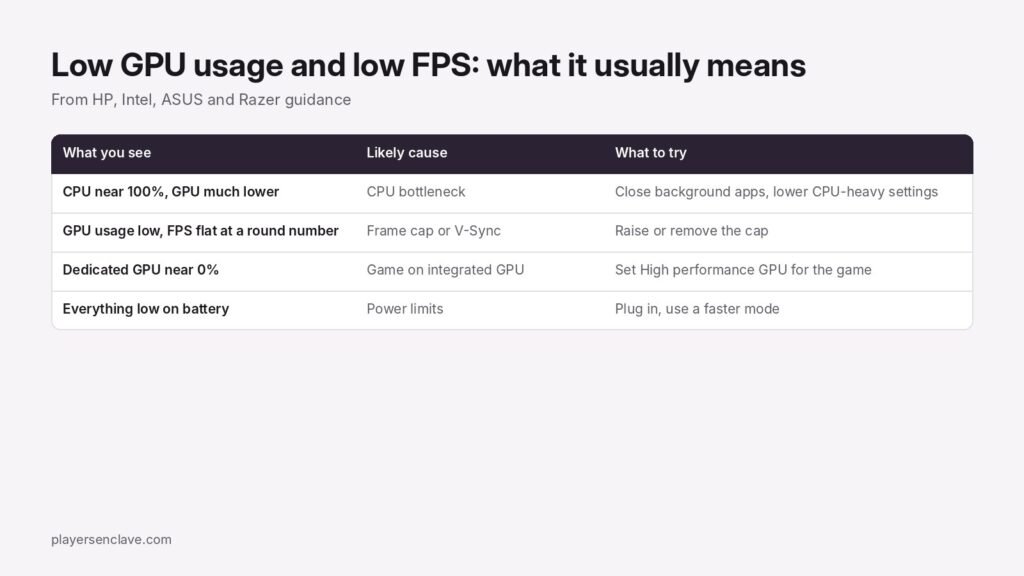
Quick answer: Low GPU usage with low FPS means something other than the graphics card is holding the game back. The usual causes are a CPU bottleneck, where the processor is busy and the GPU waits for it, a frame cap or V-Sync limit, the game running on the integrated graphics, or battery power limits. Check CPU and GPU usage together in Task Manager first, because which one is high tells you which fix to try.
Checked against HP’s guide to CPU bottlenecks, Intel’s support article on high CPU and low GPU usage, ASUS’s battery and MUX guides and Razer’s low FPS guide, November 2026.
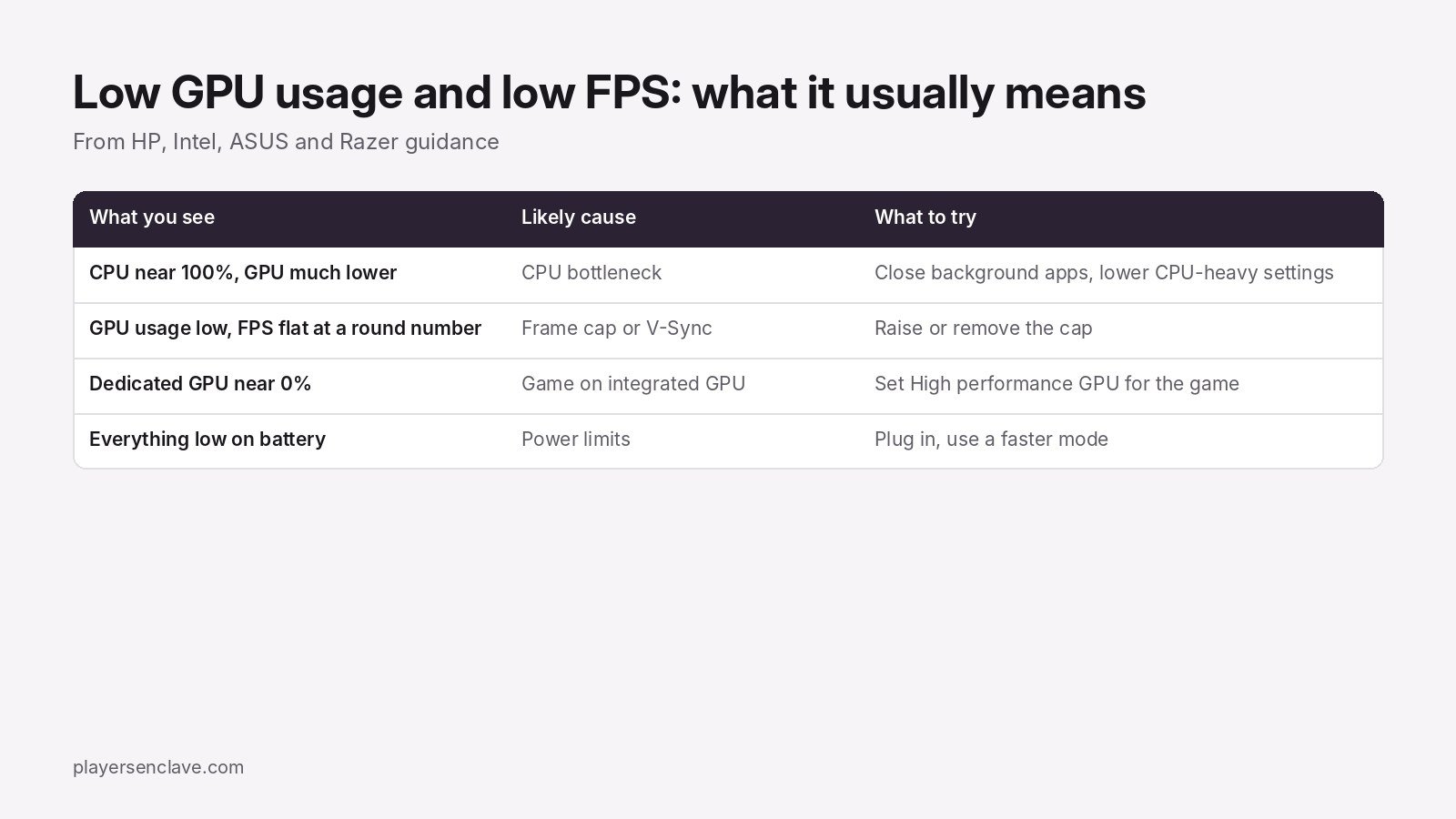
Step 1: Look at CPU and GPU usage together
Run the game in windowed mode or alongside Task Manager, open the Performance tab and watch both the CPU and the dedicated GPU. If Task Manager lists two GPUs, read the dedicated NVIDIA or AMD one, not the integrated graphics.
CPU high, GPU low: a CPU bottleneck
Intel’s support article describes higher CPU use than GPU use as a sign of a bottleneck. HP’s guide gives an example of a game using 80% of the CPU and 30% of the GPU. HP’s fixes:
- Close background apps such as browsers and music streaming in Task Manager.
- Lower CPU-heavy settings: crowd or population density, physics, vegetation and draw distance.
- Raise the game’s resolution, but do not go above the screen’s native resolution.
HP also names poor game optimisation as the cause of most bottlenecks.
FPS stuck at a round number: a frame cap
If the frame rate sits flat at 30, 60 or your screen’s refresh rate, the GPU is only doing as much work as the cap allows, so its usage looks low. Check the game’s frame limit and V-Sync setting, the Max Frame Rate setting in NVIDIA Control Panel under Manage 3D Settings, which ASUS’s guide points to, and whether NVIDIA BatteryBoost is active.
Dedicated GPU near zero: the wrong GPU
If the integrated graphics is busy and the dedicated GPU is idle, the game is on the wrong one. Razer’s low FPS guide says to set the Preferred Graphics Processor to “High-performance NVIDIA processor” in NVIDIA Control Panel. On ASUS laptops, check that GPU Mode is not set to Eco, which turns the dedicated GPU off. Our guide to a laptop not using its dedicated GPU covers every method, and our MUX switch guide explains the dedicated-GPU-only mode.

Everything low: power limits
If both CPU and GPU usage are modest and FPS is poor, the laptop may be running in a low-power state. Razer’s first step is to plug in using the adapter that came with the laptop, then set Windows power mode to Best performance. Also check your brand’s performance mode, as our guides to performance modes and FPS drops on battery explain. To see whether your GPU is reaching its power target at all, follow our guide to checking your laptop GPU’s TGP.
Still stuck?
Razer’s guide also lists updating Windows and graphics drivers, verifying the game files through the launcher, and turning on Windows Game Mode. If the laptop is also running hot, see gaming laptop thermal degradation.
Photo by Karola G (Kaboompics) on Pexels, free to use under the Pexels License. Diagram: PlayersEnclave.