

A Black Friday gaming laptop or PC deal is worth buying when three things check out: the price is genuinely lower than its recent price history, the exact GPU runs at a decent power level, and the RAM and storage are not quietly cut to hit the price. This guide shows you how to check all three, what specs to expect at around $800, $1,200 and $1,600, which laptop and prebuilt lines to watch, and whether to buy now, on Black Friday (Friday, November 27) or on Cyber Monday (Monday, November 30).
Players Enclave is reader-supported. Product links on this page go to Amazon, and as an Amazon Associate we earn from qualifying purchases, at no extra cost to you.
Want to start browsing now? These Amazon searches cover the main RTX 50 laptop tiers: RTX 5060 gaming laptops, RTX 5070 gaming laptops and RTX 5070 Ti gaming laptops. Use the checks below before you add anything to your cart.
Why this Black Friday is different
Memory and storage have become much more expensive since late 2025, and that has pushed up the cost of laptops and prebuilt PCs. Analyst firm TrendForce expected laptop prices to rise 5% to 15% as RAM costs climbed, as PC Gamer reported. In practice, that means two things this year. Discounts on RTX 50 machines may be smaller than shoppers remember, and some “deals” are simply a return to last season’s normal price. It also means a laptop with plenty of RAM and storage at a fair price is worth more than it used to be, because upgrading those parts later costs more too.
How to tell a real deal from a fake one
1. Check the price history, not the crossed-out price
The “was” price next to a deal is set by the seller. Before you trust a discount, look at what the same listing actually sold for over the past two or three months using a price tracker or the retailer’s own price history. If the deal price matches what it cost in October, it is not a Black Friday deal. Real deals usually beat the lowest price of the last 90 days.
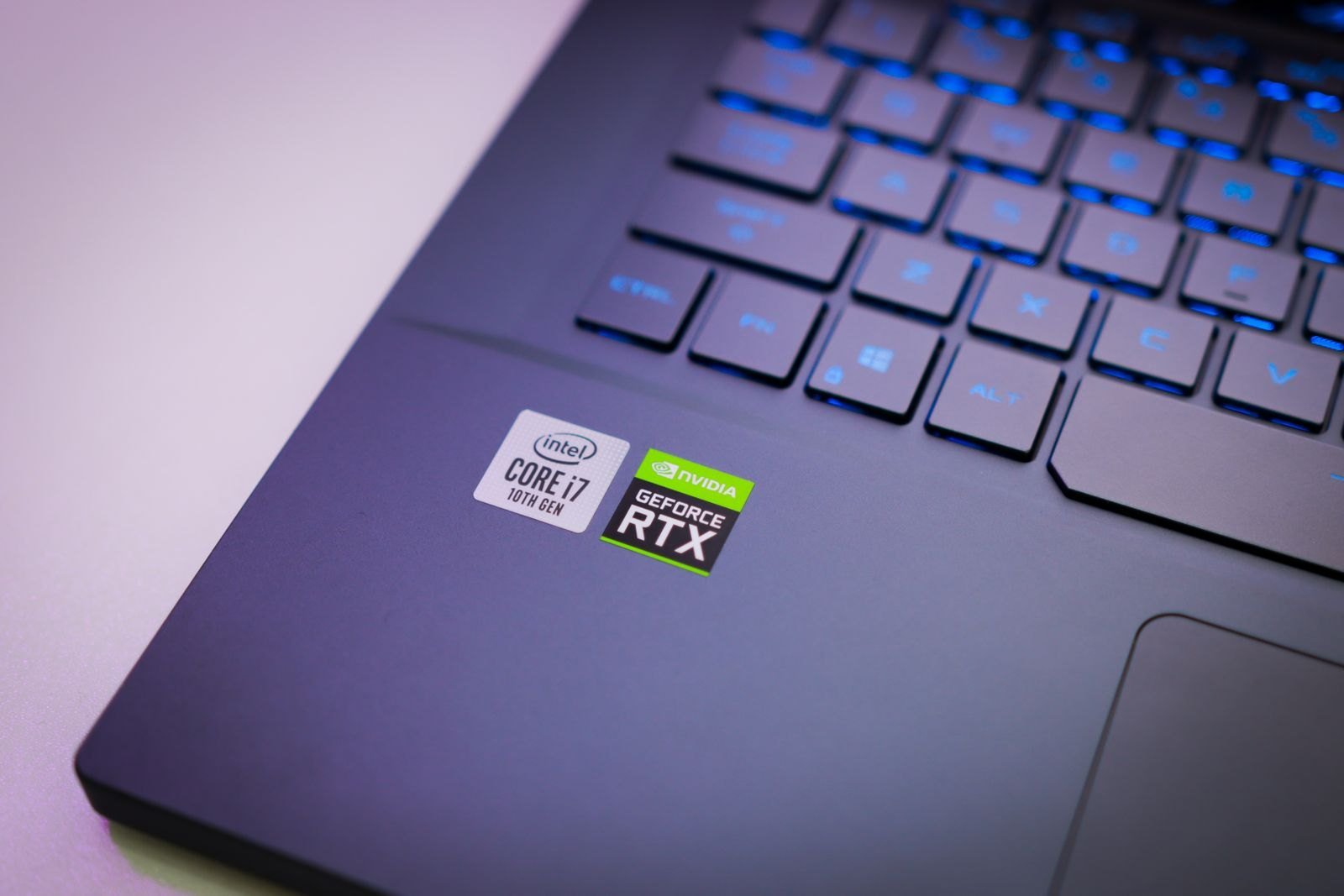
2. Find the exact GPU and its power limit (TGP)
The same GPU name can perform very differently from one laptop to another, because each maker sets its own power limit, called total graphics power or TGP. ASUS, for example, publishes a table showing its RTX 5060 and RTX 5070 laptops running at 75W to 100W, and its RTX 5080 laptops anywhere from 85W to 150W. A cheap RTX 5070 laptop at a low TGP can land close to a well-cooled RTX 5060 machine. Look for the TGP on the maker’s spec page; if a listing hides it, treat that as a warning sign.
Check VRAM too. NVIDIA’s laptop spec page lists 8GB on the RTX 5050 and RTX 5060, 12GB on the RTX 5070 Ti, 16GB on the RTX 5080 and 24GB on the RTX 5090. If you play new releases at high texture settings, 8GB is the tier where you will make the most compromises.
3. Look for cut RAM and storage
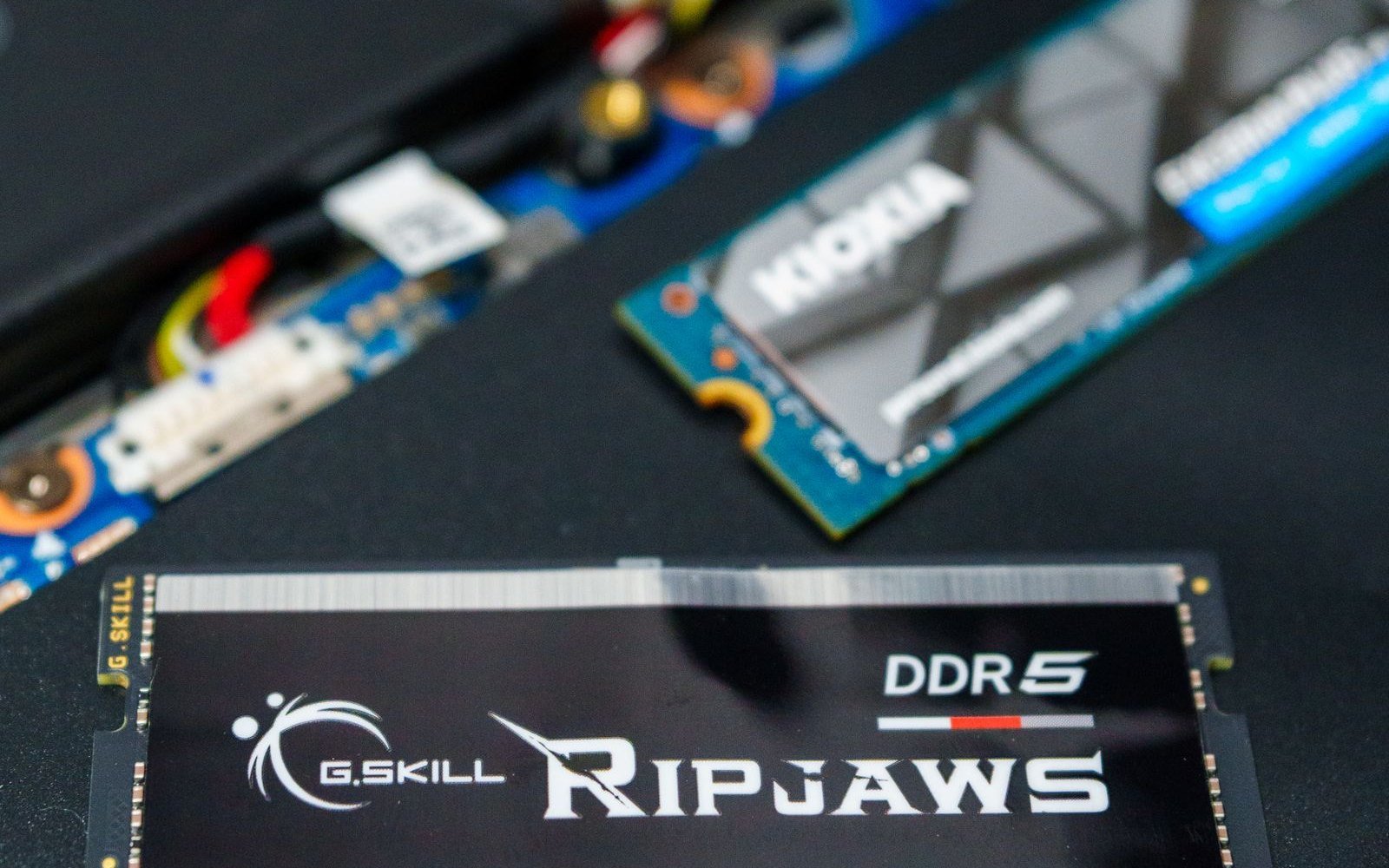
Because memory is expensive, some deal configurations save money here. Watch for 8GB of RAM, or 16GB in a single stick (single-channel memory can hold back gaming performance), and 512GB SSDs, which fill up after a handful of large games. Check whether the RAM is soldered or in slots, and whether there is a second SSD slot, before counting on a cheap upgrade later.
4. Make sure it is current stock
Older RTX 40 series laptops still turn up in deals. They can be good value at the right price, but compare them against an RTX 50 machine at the same price rather than against their original launch price. Also check the full model number: two listings with the same name can differ by one suffix letter and have a different CPU, screen or GPU power. And check the seller. Sold by the brand or by Amazon itself is the safer option; a renewed or third-party listing may come with a shorter warranty.
What specs to expect at each budget
These are targets for a good deal, not guarantees. With memory prices where they are, a machine that hits every line at the low end of a band is the deal; one that misses several is just a sale.
Around $800
- GPU: RTX 5050 or RTX 5060, at or near the top of its TGP range.
- RAM: 16GB in two sticks (dual-channel). Avoid 8GB.
- Storage: 512GB is common at this level; 1TB is a bonus.
- Screen: 1080p at 144Hz or faster.
- Good for: esports and older games at high settings, newer games at medium 1080p.
Around $1,200
- GPU: a high-TGP RTX 5060 or an RTX 5070.
- RAM: 16GB minimum, 32GB if you can find it at this price.
- Storage: 1TB.
- Screen: 1440p or 1600p at 165Hz or faster.
- Good for: most current games at high settings, with upscaling for the heaviest ones.
Around $1,600
- GPU: RTX 5070 Ti, with 12GB of VRAM.
- RAM: 32GB.
- Storage: 1TB or more, ideally with a spare slot.
- Screen: 1600p at 240Hz, and a chassis with strong cooling.
- Good for: high settings at the screen’s native resolution for several years.
If the gamer will mostly play at a desk, a prebuilt desktop usually gets you a stronger GPU at the same budget, and it is easier to upgrade. Our guide to RTX 5060 prebuilt gaming PCs under $1500 covers what to look for in a prebuilt, from the motherboard to the power supply. You can search current RTX 5060 prebuilt gaming PCs and RTX 5070 prebuilt gaming PCs on Amazon.
Laptop and prebuilt lines to watch
Each brand sells a budget line and a premium line, and deals often show up on the budget line first. These are the ones we cover most often, with links to our deeper guides.
- MSI: Katana and Cyborg for budget deals, and Vector or Raider for high-end ones. Our MSI laptop lineup explained guide shows where each series sits.
- Lenovo: LOQ at the budget end and Legion above it. See how Legion cooling compares in ASUS ROG vs Lenovo Legion.
- ASUS: TUF Gaming for value and ROG Strix or Zephyrus for more power. Read ASUS vs Lenovo if you are torn between the two brands.
- Gigabyte: Gigabyte G6 and AORUS laptops are often priced aggressively. Read is Gigabyte a good laptop brand and is Gigabyte a reliable brand first, as support is the weaker side.
- Acer: Nitro for budget gaming and Predator Helios for high-end gaming.
- HP: Victus at the budget end and OMEN above it.
- Prebuilts: CyberPowerPC and iBUYPOWER desktops are regular Black Friday sellers.
When to buy: early deals, Black Friday or Cyber Monday
- Early deals (now): many retailers have already cut prices. If a laptop passes the checks above and beats its 90-day low, there is little reason to wait. Popular configurations can sell out before the day itself.
- Black Friday (Friday, November 27): usually the widest choice of discounted laptops, and the day most retailers launch their headline deals.
- Cyber Monday (Monday, November 30): mostly online, often repeats Black Friday prices, and sometimes adds new ones on stock that did not sell. It is a second chance, not usually a better one.
- Returns: Amazon’s holiday window means most items bought from November 1 to December 31, 2026 can be returned until January 31, 2027, as Value Added Resource reports. If a better price appears later, you may be able to return and rebuy, as long as the item is in returnable condition. Other retailers set their own holiday windows, so check before you pay.
What to check before you buy
- The full model number matches the spec sheet you checked, including the GPU, TGP, CPU and screen.
- RAM and storage are at least 16GB dual-channel and 512GB, and you know whether they can be upgraded.
- The price is below its recent history, not just below the crossed-out figure.
- The seller is the brand or the retailer itself, and the item is new rather than renewed, unless you chose renewed on purpose.
- The warranty terms suit you. Read our MSI, Gigabyte and Acer warranty guides; for some brands, registering your invoice affects when cover starts.
- The return window covers the day you will actually open it, especially if it is a gift.
Deals to skip
- 8GB RAM gaming laptops. A low price often pays for itself in frustration and an early upgrade.
- Unnamed GPU listings. “RTX graphics” with no model number or TGP is a reason to keep scrolling.
- Old stock at old prices. An RTX 40 laptop is only a deal if it costs less than an RTX 50 laptop with similar specs.
- Bundles padded with extras. A free mouse or bag does not make up for a weaker GPU or a smaller SSD.
Once it arrives, check that games actually use the dedicated GPU. Our guide to fixing a laptop not using its dedicated GPU covers the settings to check on day one.
Live deals
We will add checked laptop and PC deals here on Black Friday (November 27) and Cyber Monday (November 30), each one run through the checks above.
Shopping for a gamer on a smaller budget? See our gift ideas for PC gamers under $50, under $100, stocking stuffers for gamers and gift ideas for gaming laptop owners and gaming setup gift ideas for teens, or what to do with a gaming gift card.
Photos: Matheus Bertelli, Foysal Ahmed, Richard L and Atahan Demir on Pexels, free to use under the Pexels License.