
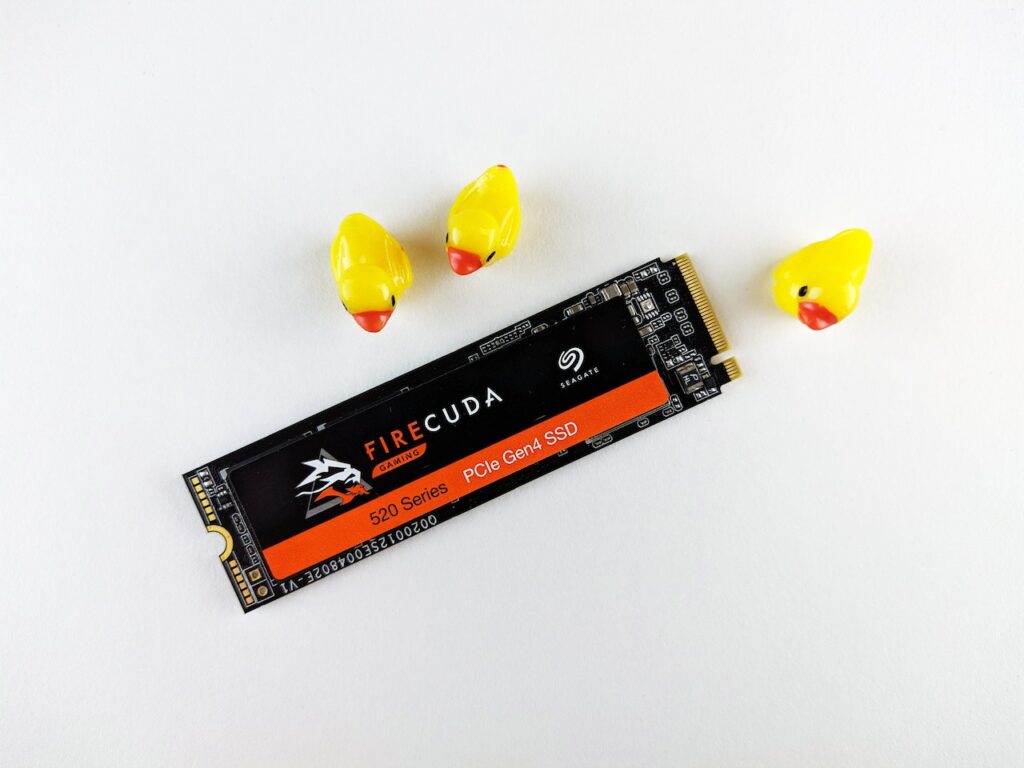
Advancements in digital gaming have brought significant change to the gaming industry. With the development of new consoles and high-tech gaming PCs, the size of games and storage requirements have skyrocketed. It has led many gamers to wonder whether a 500GB SSD is enough for gaming. In this article, we will explore the various factors affecting storage requirements for gaming and provide you with a comprehensive answer to this question.
Before diving into whether a 500GB SSD is enough for gaming, let’s first explore the importance of storage. In the past, games were relatively small and could easily fit on a CD or DVD. However, as games have become more complex, the size of game files has increased exponentially. Modern games can take up anywhere from 20 GB to 100 GB or more of storage space, and this trend will continue as games become even more advanced. But if you want to game hard, why not stick with a smaller SSD? Let’s answer why you should consider increasing your computer’s memory.
Table of Contents
Why Do I Need More Space?
Having enough storage for your games is crucial for several reasons. First and foremost, you won’t be able to install and play the latest games, without adequate storage space. It means that you’ll be stuck playing older games, which can become boring after a while. Additionally, many games, both online and offline, require regular updates. And without enough storage space, you won’t be able to download and install these updates.
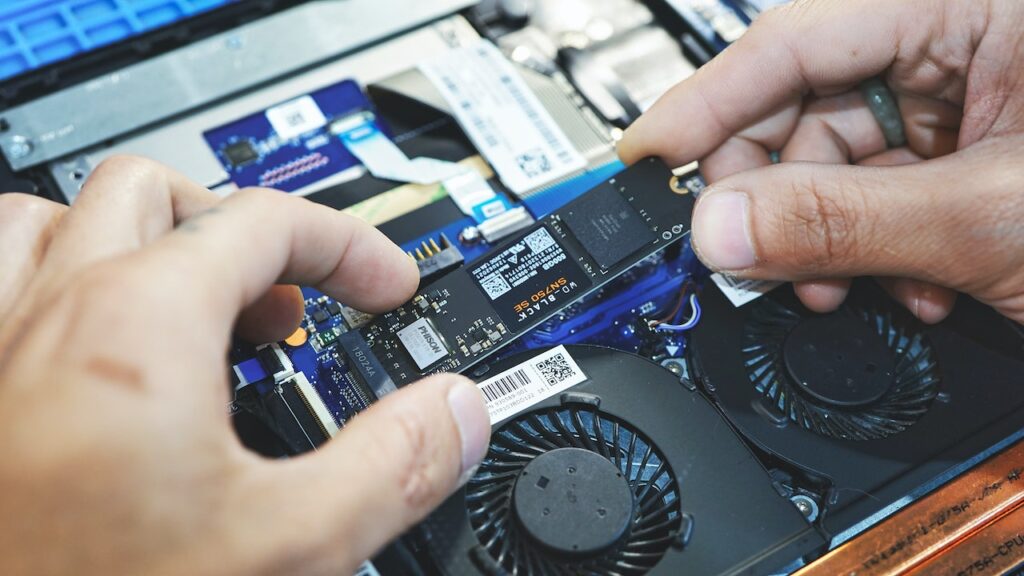
Another crucial factor to consider is load time. A game stored on a hard drive takes longer to load compared to a game on an SSD. It is due to the faster read and write speeds of SSDs, allowing games to load faster. It is particularly important for games that have long loading screens or require frequent loading, as it can significantly improve your gaming experience.
One thing an SSD will not do is raise your frame rate. Frame rates come from the GPU and CPU. What an SSD changes is waiting: Windows boots faster, games launch faster, and open-world titles that stream assets from storage stutter less when loading new areas. That is a real improvement to how the machine feels, but if you are chasing higher FPS, storage is the wrong place to spend the money.
What About a 256GB SSD?
If you are looking at the tier below, 256GB is genuinely tight for gaming in 2026. After Windows and drivers take their share, you are left with roughly 180GB to 200GB of usable space. With many current titles installing at 50GB to 100GB and some well beyond it (Call of Duty: Infinite Warfare at around 101GB, Hitman 2 at around 111GB), that means three to five games at most, and as few as two if you play the largest releases.
A 256GB drive works in exactly one scenario: you play one or two games at a time and are willing to uninstall and reinstall as you move between them. If that sounds tolerable, it is a perfectly reasonable budget choice, and 256GB drives are cheap.
If you go this route, pair it with a hard drive of at least 1TB. Put Windows and whichever one or two games you are actively playing on the SSD, and keep everything else on the HDD. You get fast boot times and fast loading for the game that matters, without paying for a large SSD. It is the best value configuration at the bottom of the market.
Factors that Affect Storage Requirements for Gaming
Now that we’ve established the importance of storage for gaming, let’s explore the various factors that affect storage requirements. Understanding these factors will help us determine whether a 500GB SSD is enough for gaming.
Game File Size
The size of game files is one of the most significant factors affecting storage requirements for gaming. As mentioned earlier, modern games can take up anywhere from 20 GB to 100 GB or more of storage space. For instance, look at Read Dead Redemption (RDR) 2, which has a whopping 150GB file size. On the other hand, GTA 5 was only around 37GB when it first released in 2013. Years of texture and content updates have since pushed its install size past 70GB, which shows how much AAA game footprints keep growing well after launch.
All in all, to try the latest games, you’ll need a lot of storage space. Additionally, many games require regular updates, which can further increase the size of game files.
Number of Games
The number of games you plan on playing is another factor to consider when it comes to storage requirements for gaming. If you like to play multiple games, you’ll need more storage space than someone who only plays one or two games. If you prefer to keep your games installed on your system, you’ll likely bottleneck your computer’s storage capacity.
Game Settings
The settings you use when playing games can also affect storage requirements. For instance, game files will be larger and take up more disc space if you play them at higher resolutions or with more sophisticated visual settings. At the same time, if you play games that require high-resolution graphics or consume a lot of RAM, you will need additional storage space.
The quantity of storage required for gaming may also depend on the other applications you run on your computer. For instance, if you use your system for resource-intensive applications like video editing, you’ll need extra storage space to support these programs. Also, you’ll need more storage space if you use your PC to store huge media files, such as movies or music.
Now that we’ve explored the importance of storage for gaming and the various factors that affect storage requirements for gaming, let’s answer the question that many gamers are asking: Is a 500GB SSD enough for gaming?
The short answer is, “It depends”. If you play a few games one at a time and aren’t interested in playing the latest and most graphically demanding games, then a 500GB SSD might be enough. However, if you like to play multiple games, keep all of them installed on your system, and want to enjoy the most graphically demanding games, a 500GB SSD might not be enough.
Some Examples Of Gaming On A 500GB SSD
Following are some examples to elaborate on whether a 500GB SSD is enough for your gaming needs. These are more like scenarios than examples, but you’ll find yourself adjusting at least one or two of these scenarios.
Example 1: One or Two Games at a Time
If you like to play one or two games at a time and aren’t interested in playing the latest and most graphically demanding games, then a 500GB SSD should be more than enough. For example, if you like to play World of Warcraft and Counter-Strike 2, a 500GB SSD should provide enough storage space for these games and any required updates.
Example 2: Multiple Games at Once
A 500GB SSD may not be enough when you play multiple demanding titles like World of Warcraft, Counter-Strike 2, and Call of Duty: Warzone at once. You’ll quickly run out of your 500GB storage space. Additionally, if you like to keep all these games installed and saved on your system, a 500GB SSD space will run out in days.
Example 3: Latest and Most Graphically Demanding Games
If you like to play the latest and most graphically demanding games, then a 500GB SSD may not be enough. For example, if you want to play games like Cyberpunk 2077 or Red Dead Redemption 2, you’ll need a lot of storage space. These games can take up 100GB or more of storage space, and if you want to keep all of your games installed on your system, then a 500GB SSD will not be enough.
Example 4: Professional Gaming
Professional gamers who stream or compete in Esports events have different storage requirements than casual gamers. They often need to store multiple games, game replays, and game-related data and may require even larger storage capacities. For these gamers, a 500GB SSD may not be enough. They may need to consider using multiple high-capacity SSDs or hard drives to store all their gaming data.
Example 5: Creative Work And Gaming
If you’re into creative work (video editing, illustration, etc.), and you like gaming once in a while, a 500GB capacity may be enough for you as long as you’re gaming occasionally. Creative work, such as video editing, graphic design, and 3D modeling, requires a lot of storage space for the projects, raw footage, and design assets. If you play video games a lot, you’ll either have to accommodate space by deleting some of your creative work. For this reason, a larger SSD or a separate hard drive for your creative work and gaming needs might be necessary.
Your Options With A 500GB SSD
In our previous examples, we saw that as soon as you lean more on gaming intensively, the space begins to run out like sand through your hand. Now the good news is, you have a lot of options. Let’s take a closer look at some possible storage configurations for gaming.
Option 1: 500GB SSD
If you play a few games at a time and don’t need extra storage space, then a 500GB SSD might be a good option. It is especially true if you play older games with smaller file sizes.
One thing to consider is that if you’re using your SSD for other applications, such as video editing or storing large media files, you will need more space. In this case, it might be better to consider a larger SSD or adding a hard drive to your system.
Option 2: 1TB SSD
If you play a moderate number of games and want to play the latest and most graphically demanding games, then a 1TB SSD is likely a better option. It will give you enough storage space for multiple games and any updates they require, as well as enough space for other applications and media files.
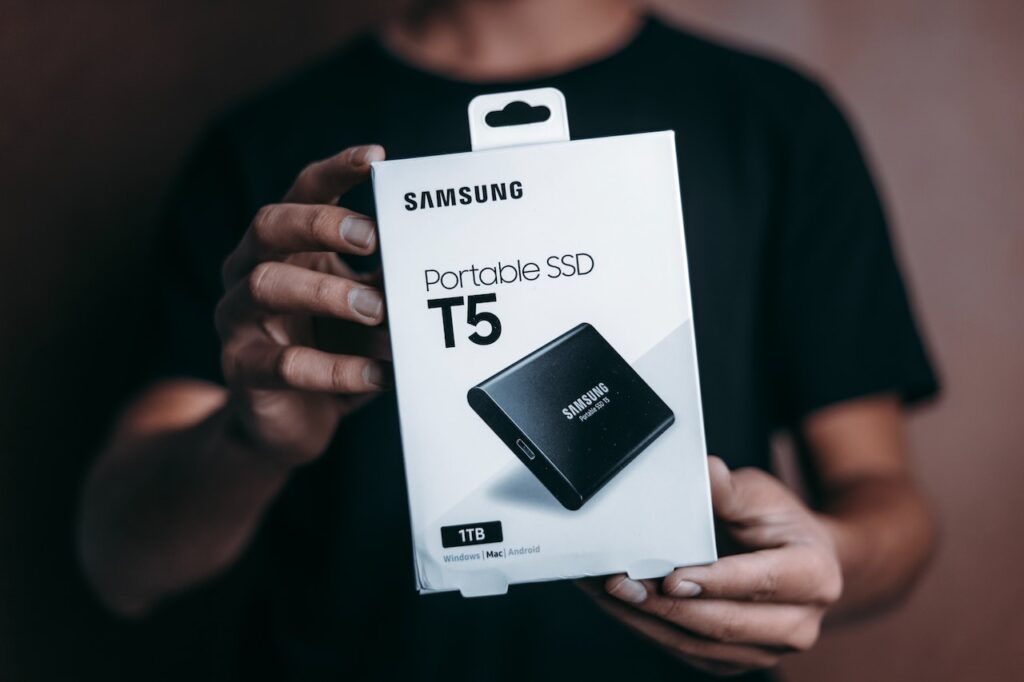
Remember that a 1TB SSD will be more expensive than a 500GB SSD, so you’ll need to evaluate the benefits of increased storage capacity against the additional expense.
Option 3: 500GB SSD + External Hard Drive
Another option to consider is using a 500GB SSD for your operating system and primary games and an external hard drive for additional storage space. It is a good option if you don’t need a lot of extra storage space and want to keep your system as streamlined as possible.
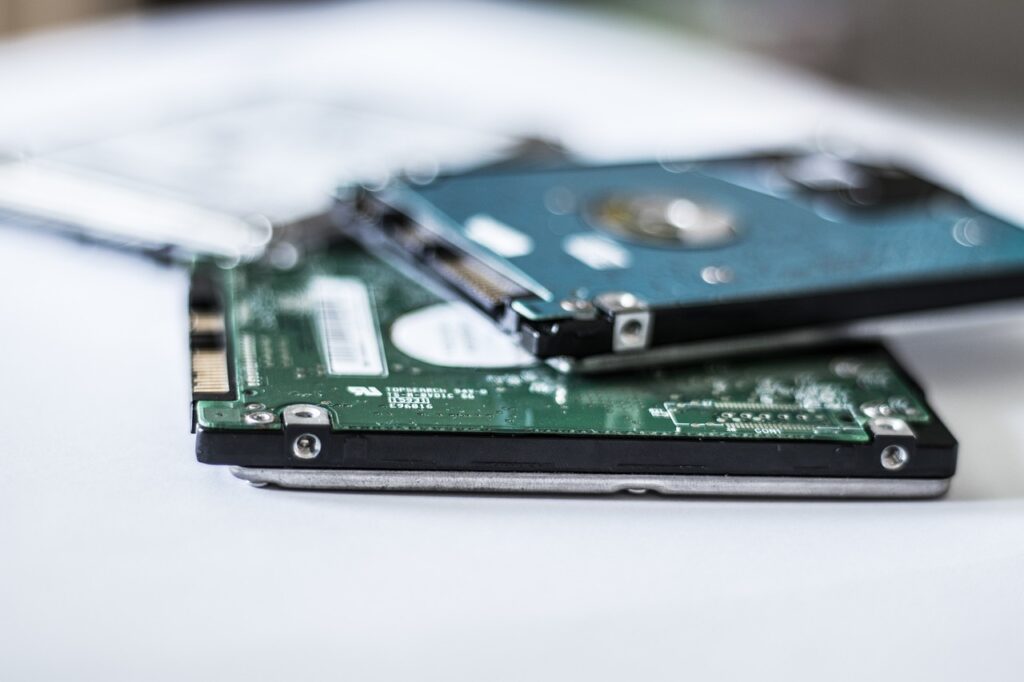
One thing to keep in check is that external hard drives are generally slower than internal drives, so you may experience longer load times for games or applications stored on the external drive.
Nonetheless, you’ll be saving a lot of money and space from your SSD by relying on the cheap yet resourceful HDD. If you are working to a budget, this is the smartest configuration on this list.
Option 4: 1TB SSD + External Hard Drive
Finally, if you want to play multiple games, keep all of your games installed on your system, and have plenty of extra storage space for other applications and media files, a combination of a 1TB SSD and an external hard drive is likely the best option for you.
This configuration will give you fast load times for your primary games and applications while providing plenty of extra storage space for additional games, media files, and other applications. If budget is not the constraint, this is the configuration to aim for.
Now the thing with storage capacity or with any other computer equipment, in general, are those numerous configurations and combinations of computer stuff. These combinations even confuse the smarter ones among us. Do you want to know the way to navigate through the vast world of computer equipment? You can check out this post where we strategize getting the right equipment for the right money.
Conclusion
The amount of storage space you need for gaming depends on several factors, including the size of game files, the number of games you plan on playing, and the settings you use when playing games. While a 500GB SSD might be enough for some gamers, others will need more storage space to accommodate their gaming needs.
When deciding on a storage configuration for gaming, it’s important to consider your specific needs and budget. A combination of a 500GB SSD and an external hard drive might be a good option for someone who only plays a few games at a time, while a 1TB SSD is likely a better option for someone who plays a moderate number of games and wants to be able to play the latest and most graphically demanding games.
Ultimately this is a personal decision based on your own needs and budget. Where there is any doubt, err on the side of more storage than you think you need. It gives you room to install new games and updates without constantly managing space, and storage is one of the easier things to regret buying too little of.