
Gaming PC power consumption in 2026 runs roughly 300 to 750 watts under real gaming load, and the graphics card decides most of it. An entry-level build sits near 300W, a mid-range system around 450W, and a high-end RTX 5090 rig can pull 750W or more during sustained load. At the current US average residential rate of 18.44 cents per kWh, three hours of gaming a day costs about $5 a month on an entry-level machine and about $12 on a high-end one.
Those are whole-system figures measured at the wall, not just the graphics card’s rating. Below is where each watt actually goes, what it costs, how to measure your own system rather than estimate it, and which changes genuinely reduce the number.
Watts vs kilowatt-hours: the distinction that matters for your bill
A watt measures how fast your PC uses energy at any instant. A kilowatt-hour (kWh) measures how much energy it used over time, and kWh is the unit your utility bills you for.
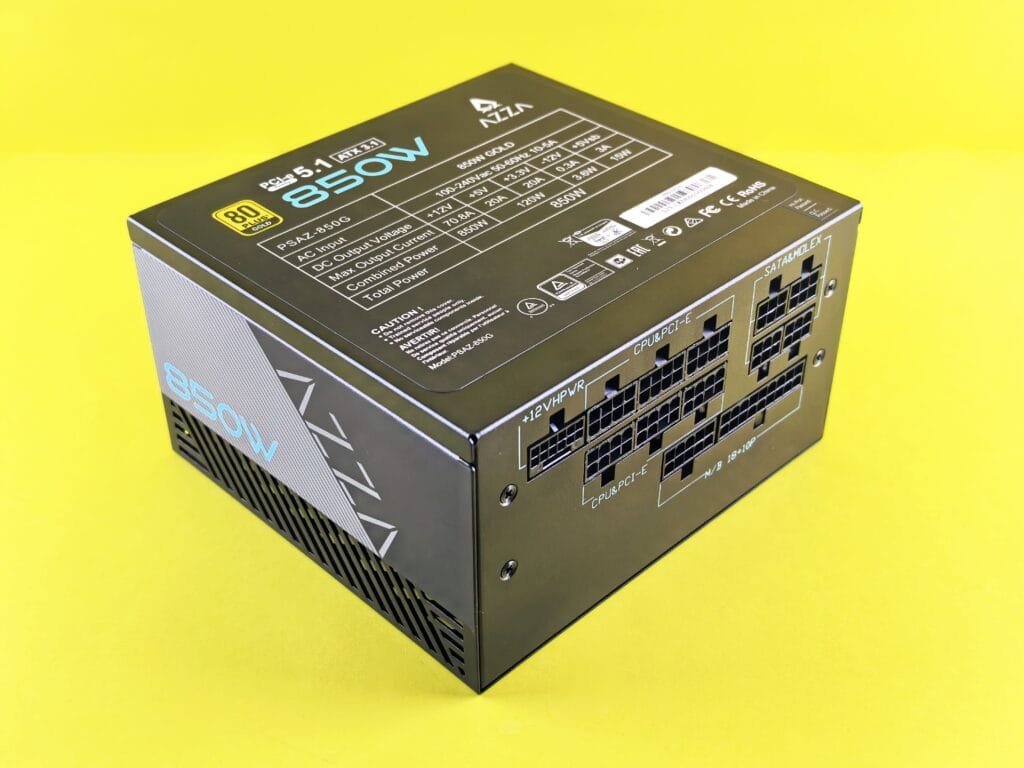
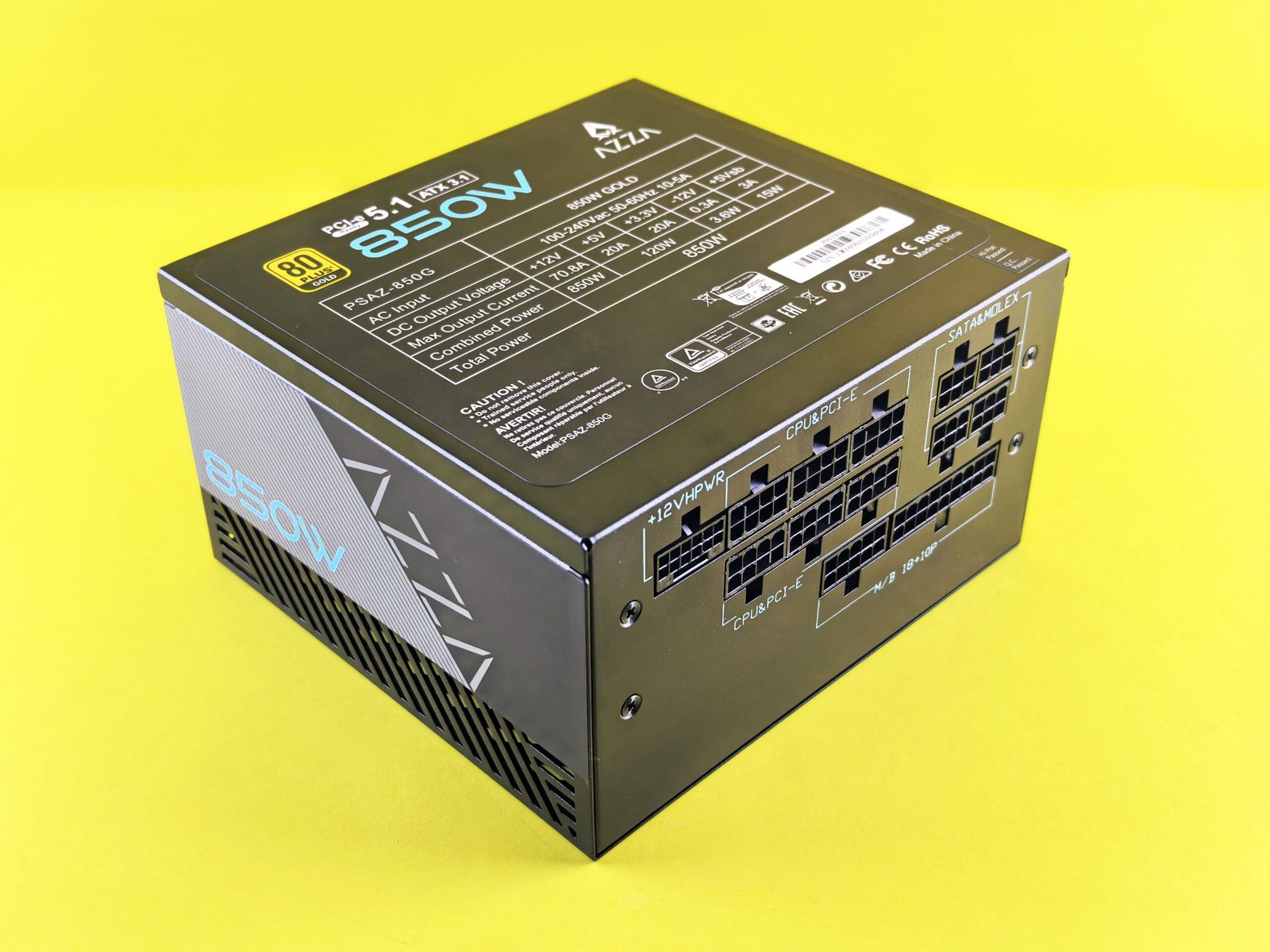
The conversion is straightforward: a system drawing 500W for one hour consumes 0.5 kWh. Run it three hours a day and that is 1.5 kWh daily, or about 45 kWh a month. This is why a 1000W power supply does not mean a $1000 electricity bill. The PSU’s rating is its maximum capacity, not its actual draw. A system with a 1000W unit installed might only pull 450W while gaming and under 100W sitting idle on the desktop.
RTX 50-series power draw by card
The graphics card is the single largest consumer in almost every gaming build, so it sets the baseline for the whole system. These are NVIDIA’s official total graphics power figures and recommended power supply ratings for the Blackwell generation:
| Graphics card | Total graphics power | NVIDIA recommended PSU |
|---|---|---|
| RTX 5060 | Entry tier | 550W |
| RTX 5060 Ti | Entry tier | 600W |
| RTX 5070 | 250W | 650W |
| RTX 5070 Ti | 300W | 750W |
| RTX 5080 | 360W | 850W |
| RTX 5090 | 575W | 1000W |
Two things are worth understanding about these numbers. First, NVIDIA’s recommended PSU wattages are measured on systems built around a high-end CPU, so a mid-range processor leaves you with more headroom than the figure suggests. Second, and more important for the RTX 5090 specifically, average draw is not the whole story. Independent testing by TechPowerUp and Igor’s Lab recorded the RTX 5090 briefly spiking to 901W in bursts lasting under a millisecond. A power supply that handles the 575W average comfortably can still trip its protection circuit on those transients, which is why the 1000W recommendation on that card is a real requirement rather than padding.
If you are choosing a unit for one of these cards, our guide to the best ATX 3.1 power supplies under $120 covers why the cable standard matters as much as the wattage on this generation.
Where the rest of the watts go
Outside the graphics card, most components draw far less than people expect. Typical figures under load:
- CPU: 65W to 125W for most mainstream desktop processors, rising to 150W or beyond on high-core-count enthusiast chips under sustained all-core load.
- RAM: roughly 2 to 3W per stick. Even a 64GB kit is a rounding error on your bill.
- Storage: an NVMe SSD draws a few watts under active read and write, and close to nothing at idle. A 3.5-inch mechanical hard drive is the thirstier option at up to roughly 10W, mostly during spin-up.
- Case fans: under 1W each at low RPM, rising to a few watts at full speed. A six-fan build is still under 20W. Our breakdown of PC fans for a gaming PC covers airflow setup in more detail.
- Motherboard: typically 25 to 50W for the board itself and its onboard controllers.
- Monitor: 25W for a basic 1080p panel up to 70W or more for a large high-refresh 4K display. Note that monitors are plugged into the wall separately, so they do not count against your PSU capacity, but they absolutely count on your electricity bill.
The practical takeaway: if you want to reduce consumption, the GPU and CPU are the only two components where your choices move the number meaningfully. Everything else combined is usually under 100W.
What a gaming PC actually costs to run
The US average residential electricity rate reached 18.44 cents per kWh in August 2026, up about 6 percent year over year. State variation is enormous: Idaho sits around 12.35 cents while Hawaii is near 52 cents, so your own rate matters more than any national figure.
Using the national average and three hours of gaming per day:
| System tier | Draw under load | Monthly kWh | Monthly cost |
|---|---|---|---|
| Entry level | ~300W | 27 kWh | about $4.98 |
| Mid-range | ~450W | 40.5 kWh | about $7.47 |
| High end | ~750W | 67.5 kWh | about $12.45 |
To put that in context, even a high-end gaming rig at three hours a day costs less to run per month than most households spend on a single air conditioning unit during summer. Gaming PCs have a reputation as energy hogs that the actual arithmetic does not really support. Where the cost becomes significant is sustained multi-hour daily use on a high-end system, or leaving the machine running around the clock.
To calculate your own figure: multiply your system’s wattage by hours used per day, divide by 1000 to get daily kWh, multiply by 30, then multiply by your rate per kWh from your utility bill.
How to measure your real draw instead of estimating it
Component ratings tell you a theoretical maximum, not what your machine actually pulls. There are three ways to get closer to reality, in ascending order of accuracy.
Software monitoring is the free option. Tools like HWMonitor and MSI Afterburner report CPU and GPU power draw directly from the sensors. This misses everything else in the system, but since those two components dominate, it gets you within a reasonable margin.
A PSU calculator from a manufacturer such as Cooler Master or Newegg estimates total system draw from your parts list. Useful when specifying a build you have not yet assembled, though these tools tend to build in conservative headroom.
A plug-in wall meter is the only method that measures true draw including PSU inefficiency. These sit between the wall socket and your PC and read actual consumption in real time, including the energy your power supply loses as heat during conversion. An 80 Plus Gold unit running at typical load is roughly 90 percent efficient, meaning a system pulling 450W internally draws closer to 500W from the wall. Only a wall meter captures that gap.
How to reduce gaming PC power consumption
Most advice in this area is either negligible or costs more in hardware than it saves in electricity. These are the changes that genuinely move the number:
- Cap your frame rate. This is the single most effective change and it is free. An uncapped game renders as many frames as the GPU can produce, holding it at maximum power indefinitely. Capping to your monitor’s refresh rate, or using in-driver frame limiting, can cut GPU draw substantially with no visible difference, because frames beyond your display’s refresh rate were never shown anyway.
- Undervolt the GPU. Modern cards ship with voltage headroom for worst-case silicon. Reducing voltage while holding clock speeds typically cuts power draw noticeably with minimal or no performance loss. It also lowers temperatures, which reduces fan speed and noise.
- Reconsider overclocking. Power draw scales worse than linearly with clock speed, so the last few percent of performance costs a disproportionate amount of wattage and heat. If your goal is efficiency, running at stock or undervolted is the opposite of overclocking for a reason.
- Keep it clean. Dust insulates components and blocks airflow, forcing fans to run faster and longer. The fans themselves are not the issue; the sustained higher temperatures reduce efficiency across the system.
- Sleep it, do not idle it. A modern system draws 50 to 100W sitting on the desktop doing nothing. Left on continuously, that idle draw alone can exceed what your actual gaming sessions consume. Sleep drops it to a few watts.
- Turn down monitor brightness. Small but real, particularly on large high-brightness panels, and it costs nothing.
One thing worth being honest about: replacing working components purely to save electricity almost never pays for itself. A more efficient power supply or a newer GPU may reduce draw, but at current rates you would be saving a few dollars a month against a purchase costing hundreds. Upgrade for performance, and treat improved efficiency as a bonus rather than a justification. If you are weighing an upgrade, our guide on when to upgrade your PC covers the reasoning, and how much a gaming setup costs breaks down the build side rather than the running side.
Frequently asked questions
Does a bigger power supply use more electricity?
No. A PSU delivers only what the components request. A 1000W unit powering a system that draws 450W consumes roughly the same from the wall as a 650W unit powering the same system. The one nuance is efficiency curves: power supplies are most efficient around 40 to 60 percent of rated load, so a heavily oversized unit running at 20 percent load can be marginally less efficient. The difference is small enough not to drive a purchasing decision.
Does a gaming PC use more electricity than a console?
Yes, generally by a wide margin. Current-generation consoles draw roughly 150 to 200W under gaming load, since they are built to a fixed thermal and power envelope. A mid-range gaming PC at 450W is more than double that, and a high-end system several times more. The tradeoff is that the PC’s draw scales with what you ask of it, and it does far more than run games.
Why does my PC still draw power when it is shut down?
Motherboards maintain a standby rail so features like wake-on-LAN, USB charging, and the power button itself keep working. This typically draws 1 to 5W. Flipping the switch on the back of the PSU or using a switched power strip eliminates it, though the annual saving is measured in cents rather than dollars.
If these running costs are shaping which machine you buy, the RTX 5060 tier is the efficiency sweet spot in this generation. Our tier list of RTX 5060 prebuilts under $1500 covers the systems that land in that band.