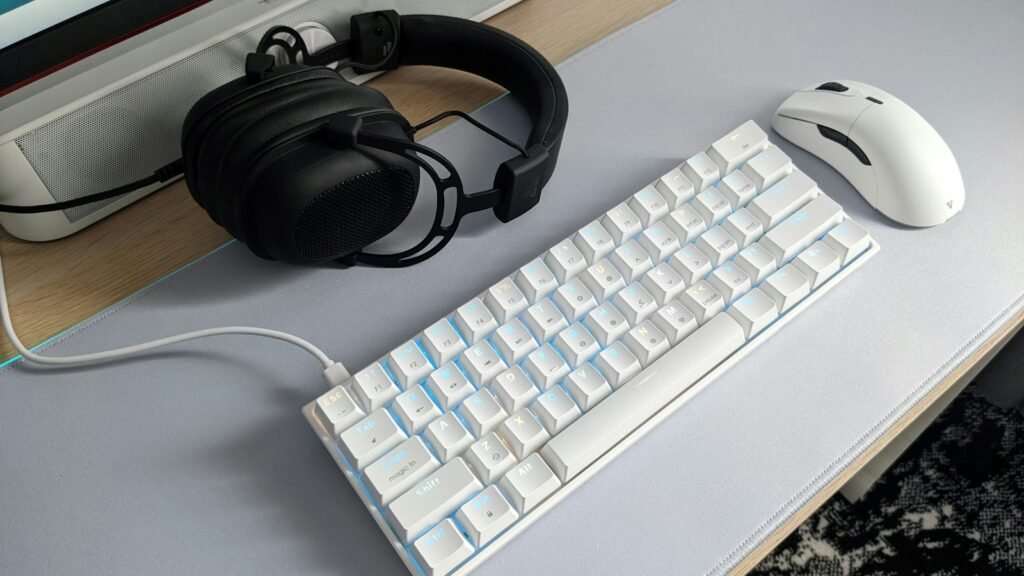
If you have up to $100 to spend on a PC gamer, one well-chosen upgrade to the gear they touch every session beats a pile of small extras. This list covers eight options from Logitech, Razer and HyperX: a mechanical keyboard, wireless mice, headsets, a USB microphone and webcams, plus a quick way to decide which one they actually need.
Players Enclave is reader-supported. Product links on this page go to Amazon, and as an Amazon Associate we earn from qualifying purchases, at no extra cost to you.
Quick picks
- Biggest everyday difference: Logitech G305 LIGHTSPEED wireless mouse
- For a gamer still on a basic keyboard: Logitech G413 TKL SE
- For a gamer who plays on PC and console: Razer BlackShark V2 X headset
- For a gamer who streams or talks on Discord: HyperX SoloCast microphone
Prices on Amazon change daily, so each product shows a budget band based on the brand’s list price instead of a figure. Most sell below list for much of the year. If you would rather spread the money over several smaller gifts, see our gift ideas for PC gamers under $50 or our stocking stuffers under $25. Shopping for a whole new laptop or PC? Read our Black Friday gaming laptop and PC deals guide, or see our gift ideas for gaming laptop owners and gaming setup gift ideas for teens. Got a gift card? See our gaming upgrades to buy with a gift card.
How to pick between a keyboard, mouse and headset
- They use the keyboard and mouse that came with the PC: start with the mouse. It is the cheapest change that is felt in every game.
- They already have a gaming mouse: a mechanical keyboard is the next most noticeable upgrade, especially for typing as well as gaming.
- They play with friends or wear earbuds: a headset with a proper microphone usually matters more than either.
- They stream, record or video call: a USB microphone or webcam is the gift they are least likely to buy themselves.
Mechanical keyboard
Logitech G413 TKL SE
- Budget: under $100
- Who it suits: the gamer moving up from a basic office keyboard who wants more desk space for the mouse.
- Why it makes a good gift: it is a tenkeyless (TKL) mechanical keyboard, so it drops the number pad and leaves more room for wide mouse movements. Logitech fits tactile mechanical switches, hard-wearing PBT keycaps and a brushed aluminium top case.
- The catch: the switches are tactile only, with no linear or clicky option, and the backlight is white rather than RGB.
- Compatibility: wired USB. Works on Windows and Mac as a standard keyboard.
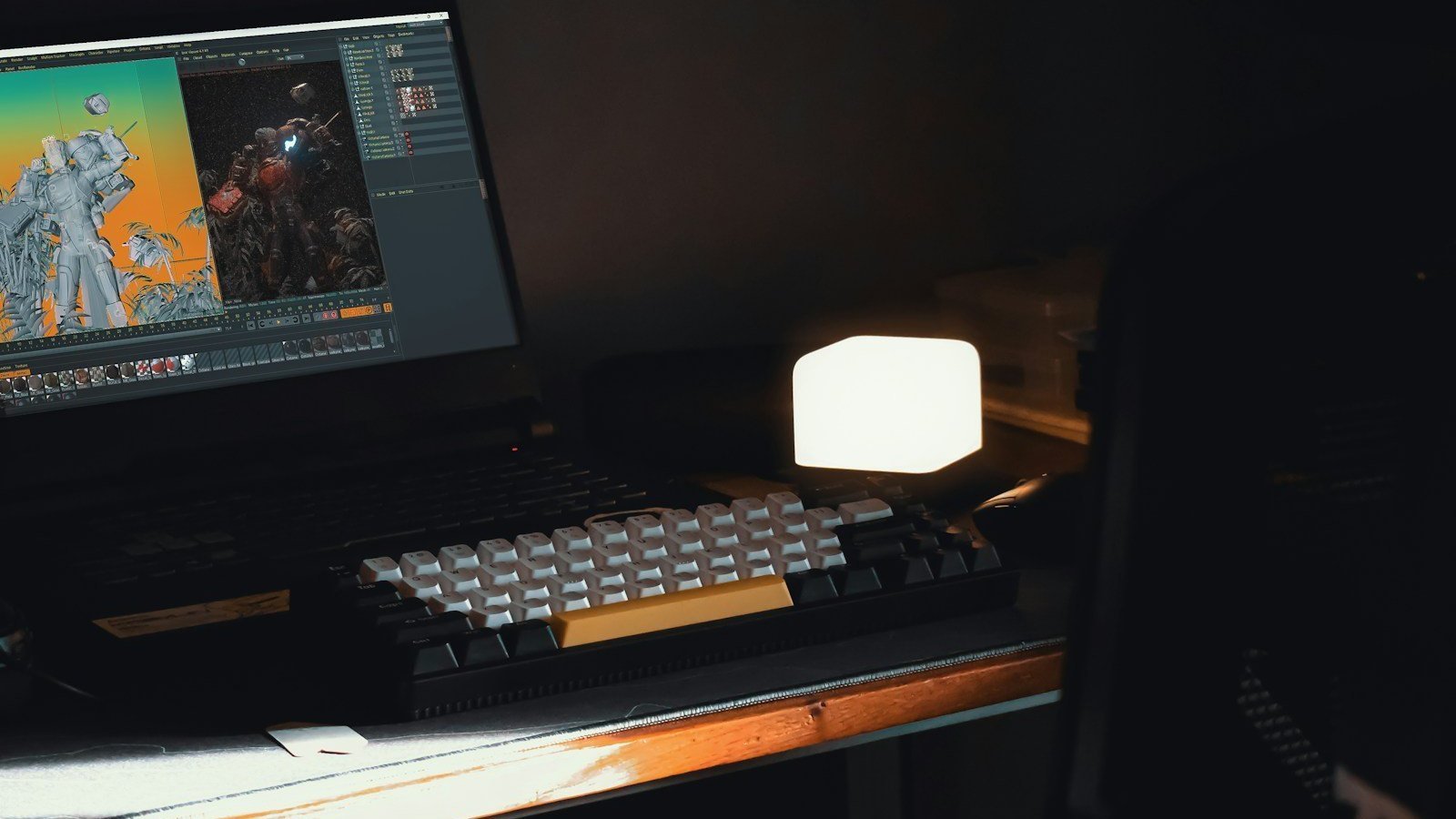
Wireless gaming mice
Logitech G305 LIGHTSPEED
- Budget: under $75
- Who it suits: the gamer tired of a mouse cable dragging on the desk.
- Why it makes a good gift: Logitech’s HERO sensor tracks from 200 to 12,000 DPI, LIGHTSPEED wireless is rated at a 1 ms response, and one AA battery lasts up to 250 hours of play. The USB receiver stores inside the mouse for travel.
- The catch: it uses a 2.4 GHz receiver only, with no Bluetooth, and the AA battery adds some weight compared with rechargeable mice.
- Compatibility: USB-A receiver. Works on Windows and Mac.
Razer Basilisk V3 X HyperSpeed
- Budget: under $75
- Who it suits: the right-handed gamer who wants extra buttons for shooters or MMOs.
- Why it makes a good gift: it has nine programmable controls, Razer’s 18K optical sensor and two connection modes: HyperSpeed wireless through a USB receiver, or Bluetooth. One AA battery lasts up to 285 hours on HyperSpeed and up to 535 hours on Bluetooth, according to Razer’s product page.
- The catch: the shape is right-handed only, and the Synapse software used to set up the buttons runs on Windows.
- Compatibility: USB-A receiver or Bluetooth, so it also works with a laptop that has no spare USB port.
Gaming headsets
Razer BlackShark V2 X
- Budget: under $75
- Who it suits: the gamer who switches between PC, console and Steam Deck.
- Why it makes a good gift: it uses 50 mm drivers, a bendable cardioid microphone that focuses on the voice, and weighs 240 g. Razer lists it for PC, Mac, PlayStation 5, Xbox, Nintendo Switch, Steam Deck and phones.
- The catch: it is wired, and Razer’s 7.1 surround sound only works on Windows 11.
- Compatibility: 3.5 mm jack. Razer sells a separate USB version, so check which one you are buying.
Logitech G435 LIGHTSPEED
- Budget: under $100
- Who it suits: the gamer who wants a light wireless headset for long sessions.
- Why it makes a good gift: it weighs 165 g, connects through a LIGHTSPEED receiver or Bluetooth, and lasts up to 18 hours on a charge. Logitech lists it for Windows, Mac, PlayStation 4 and PlayStation 5.
- The catch: there is no boom microphone; two microphones are built into the ear cup, so voice pickup is not as clear as a headset with a mic near the mouth. Xbox is not on Logitech’s compatibility list.
- Compatibility: USB receiver for PC and PlayStation, Bluetooth for phones. Charges over USB-C.
For streaming and voice chat
HyperX SoloCast
- Budget: under $75
- Who it suits: the gamer who talks on Discord or is starting to stream.
- Why it makes a good gift: it records at 24-bit/96 kHz through a cardioid pickup that favours the voice in front of it, has tap-to-mute with an LED indicator, and is certified by Discord and TeamSpeak. The stand adapter fits standard boom arms.
- The catch: it has a single pickup pattern, and it sits on the desk, so keyboard noise can come through if it is placed close to the keys.
- Compatibility: USB. HyperX lists Windows, Mac and PlayStation 4.
Logitech C920s Pro HD
- Budget: under $75
- Who it suits: the gamer who video calls or wants a face camera on stream.
- Why it makes a good gift: it records 1080p at 30 fps with autofocus, a 78-degree field of view and two microphones for stereo sound, according to Logitech’s product page. A built-in privacy shutter covers the lens when not in use.
- The catch: it tops out at 30 fps, so motion looks less smooth than a 60 fps webcam.
- Compatibility: USB. Clips onto a monitor or laptop screen.
Razer Kiyo X
- Budget: under $100
- Who it suits: the streamer who wants a smoother picture.
- Why it makes a good gift: it records 1080p at 30 fps or 720p at 60 fps with autofocus, and its mount sits on a monitor or detaches for a tripod. Razer says it works with OBS and XSplit.
- The catch: it has no built-in light, so a dim room still needs a lamp in front of the player.
- Compatibility: USB-A. Camera settings are adjusted in Razer Synapse on Windows.
What to check before you buy
- Platform: check whether they game on PC only or also on PlayStation, Xbox or Switch. The headsets differ most here.
- Connection: the mice and Kiyo X need a free USB-A port. Many slim laptops have only USB-C, so they may need an adapter.
- Size and space: a TKL keyboard suits a small desk; a full-size board needs more room for the mouse.
- Who it’s for: the Basilisk is right-handed only. For a left-handed gamer, pick the G305 instead.
Gifts to skip
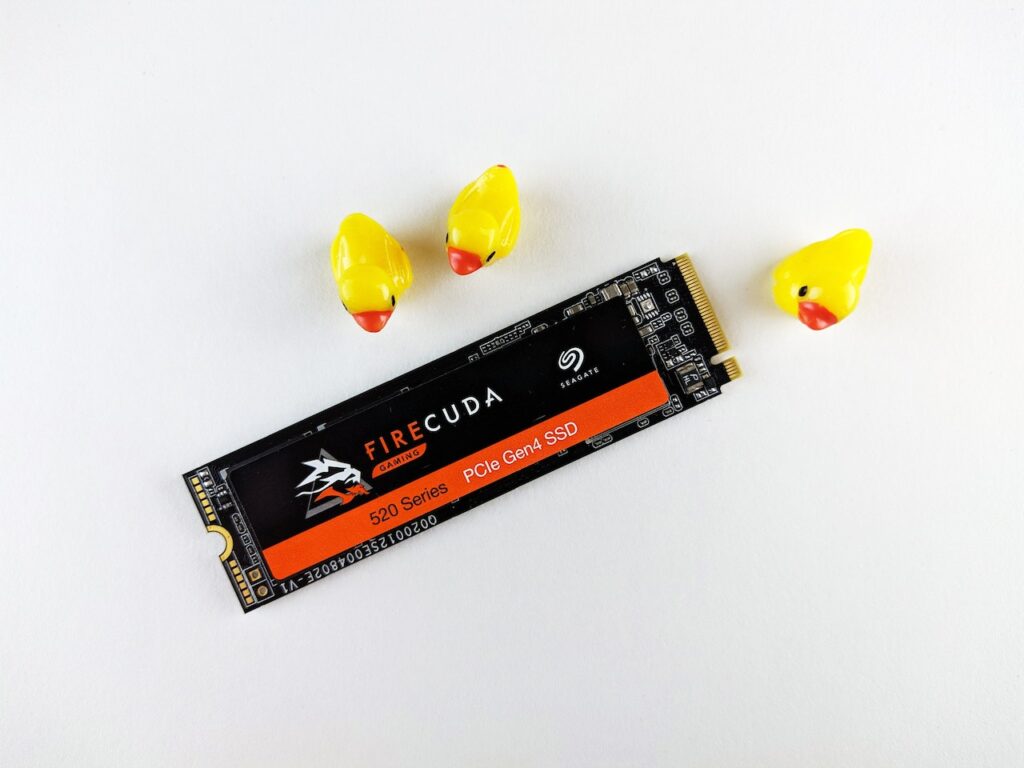
- A portable SSD on this budget. Memory prices have risen sharply this year, and a 1 TB portable drive from a major brand no longer reliably fits under $100. If storage is the problem, our guide to how much SSD storage a gamer needs explains what size to aim for.
- A second headset. If they already own a decent one, a microphone or webcam adds something new instead.
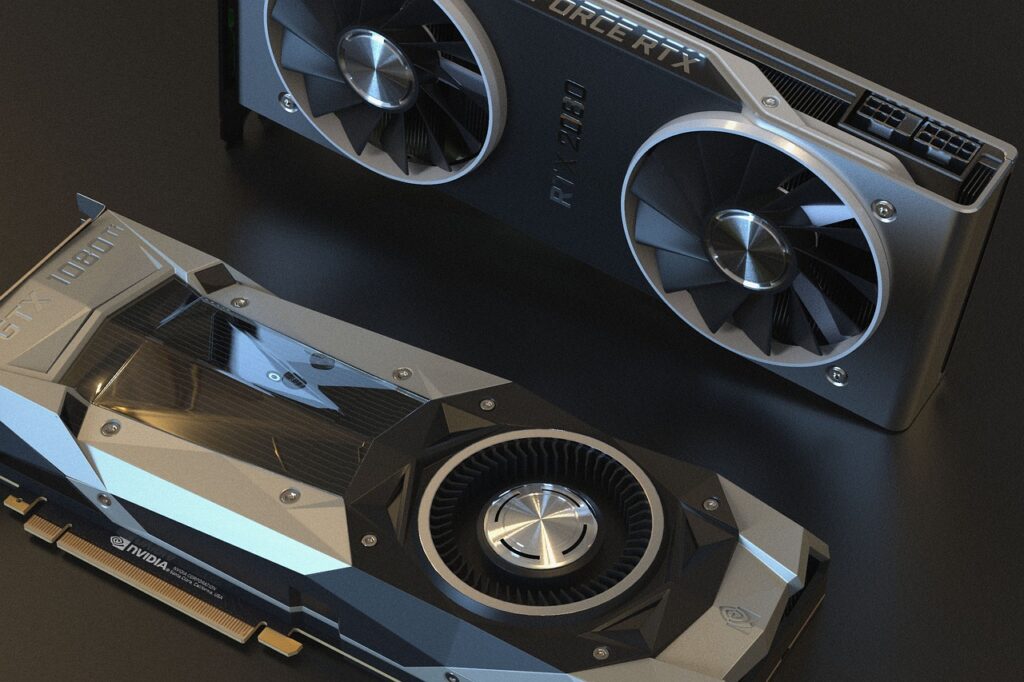
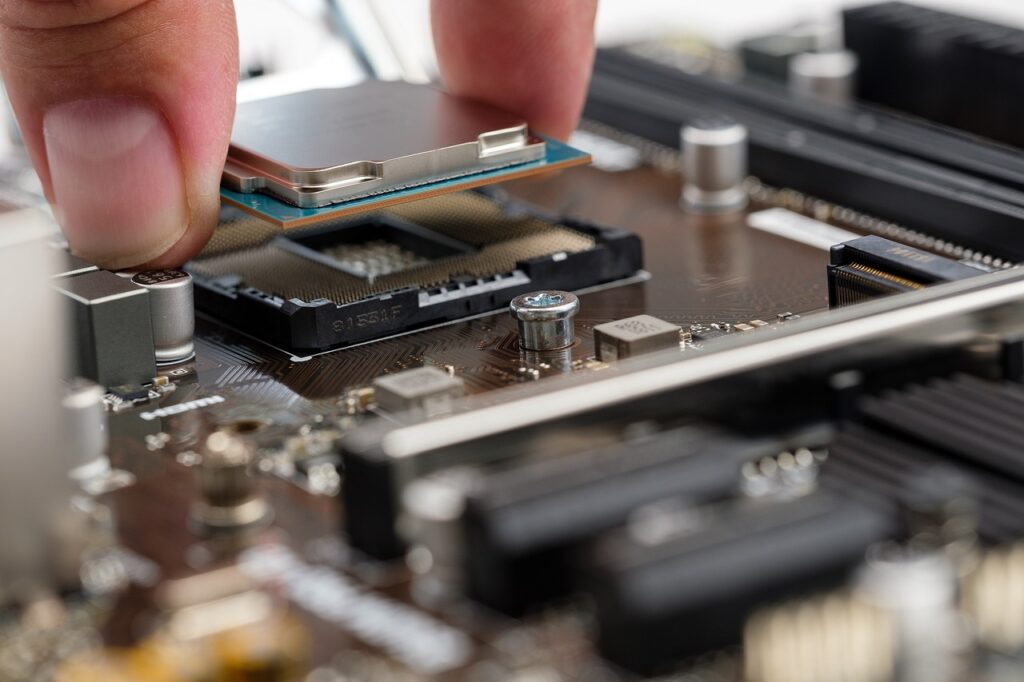
- Upgrades inside the PC. RAM and graphics cards need exact compatibility checks, so leave those to the gamer. Our guide to whether 32GB of RAM is enough explains when a memory upgrade is worth it, and if the whole PC is due for replacement, see our RTX 5060 prebuilt roundup.
For more upgrade advice, browse our PC Components guides.
Photos: Gilang Ramadhan and nezt xs on Unsplash, free to use under the Unsplash License.