The best gaming setup gift ideas for teens upgrade one part of the setup at a time: a faster monitor first if they play competitive games, a better chair if they sit for hours, then the desk, sound and lighting. Here are eight gifts from ASUS, Dell, Ergotron, SteelSeries, Corsair, HyperX, Govee and VELCRO in the order we would buy them, plus the screen-time and volume settings worth knowing.
Players Enclave is reader-supported. Product links on this page go to Amazon, and as an Amazon Associate we earn from qualifying purchases, at no extra cost to you.
Quick picks
- Biggest upgrade for a PC gamer on a budget: ASUS TUF Gaming VG249Q3A
- For long sessions: Corsair TC100 RELAXED
- For team games and voice chat: HyperX Cloud III
- Under $50 and easy to get right: SteelSeries QcK XXL
Prices change daily, so each gift shows a budget band based on the brand’s list price.
Start with the monitor or the chair?
Start with the monitor if they play fast competitive games such as Fortnite, Valorant or Rocket League on a PC with a decent graphics card, and their current screen runs at 60Hz. Start with the chair if they already have a gaming monitor, or if they complain about their back or sit on a dining chair. If unsure, ask what bothers them most about their setup.
Step 1: The screen
ASUS TUF Gaming VG249Q3A
Budget: $100 to $200
- Who it suits: a teen playing competitive games on a PC, or on a console on a desk.
- Why it makes a good gift: it is a 24-inch 1080p Fast IPS monitor running at up to 180Hz with FreeSync Premium, according to ASUS, and it carries TÜV flicker-free and low blue light certifications.
- The catch: to use 180Hz in new, demanding games, the PC needs a current mid-range graphics card such as an RTX 5060. Older or entry-level cards will still benefit in lighter esports games. The stand only tilts, with no height adjustment.
- Compatibility: DisplayPort 1.2 and two HDMI 2.0 ports. Consoles connect over HDMI and run at up to 120Hz. It has a 100 x 100 mm VESA mount for a monitor arm.
Dell G2724D (27 inch)
Budget: $200 to $300
- Who it suits: a teen with a strong gaming PC who wants a sharper, bigger screen.
- Why it makes a good gift: it is a 27-inch 1440p IPS panel at up to 165Hz, G-Sync and FreeSync compatible, with a three-year Dell warranty, as Tom’s Hardware lists.
- The catch: 1440p at 165Hz needs an RTX 5070-class graphics card or better in new games. On a mid-range PC, the 24-inch 1080p screen above is the better fit.
- Compatibility: 165Hz needs DisplayPort; HDMI tops out at 144Hz. PS5 and Xbox Series X can output 1440p at 120Hz over HDMI.
Not sure which refresh rate makes sense? Our guides to 165Hz monitors for gaming and gaming monitors under $300 explain what to look for.
Step 2: The desk
Ergotron LX desk monitor arm
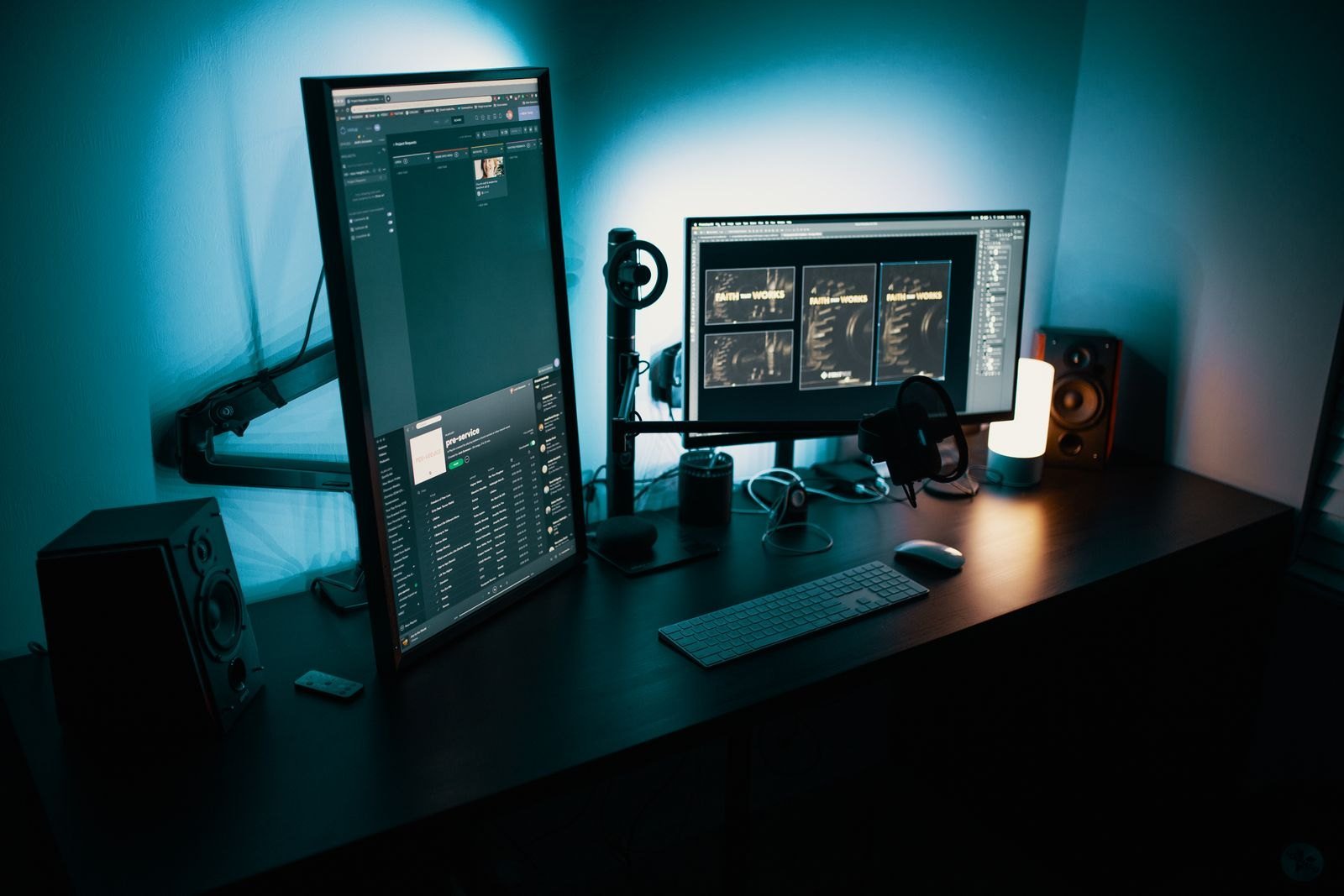
Budget: $100 to $200
- Who it suits: a teen with a small desk, or one who hunches toward a screen that sits too low.
- Why it makes a good gift: it holds a monitor up to 34 inches and 25 lb (11.3 kg), clamps to the edge of the desk, and lets the screen move up, down and closer with one hand. It frees the desk space the stand used to take.
- The catch: it costs more than budget arms and needs a sturdy desk edge.
- Compatibility: the monitor needs a 75 x 75 or 100 x 100 mm VESA mount (both monitors above have one), and the desk must be 10 to 60 mm thick at the edge.
SteelSeries QcK XXL

Budget: under $50
- Who it suits: any teen playing mouse-and-keyboard games on a hard or scratched desk.
- Why it makes a good gift: at 900 x 400 mm it covers the keyboard and mouse area, gives low-sensitivity players room to move, and protects the desk.
- The catch: cloth mats pick up spills and need an occasional hand wash.
- Compatibility: measure the desk first; it needs about 90 cm of width.
VELCRO Brand ONE-WRAP cable ties
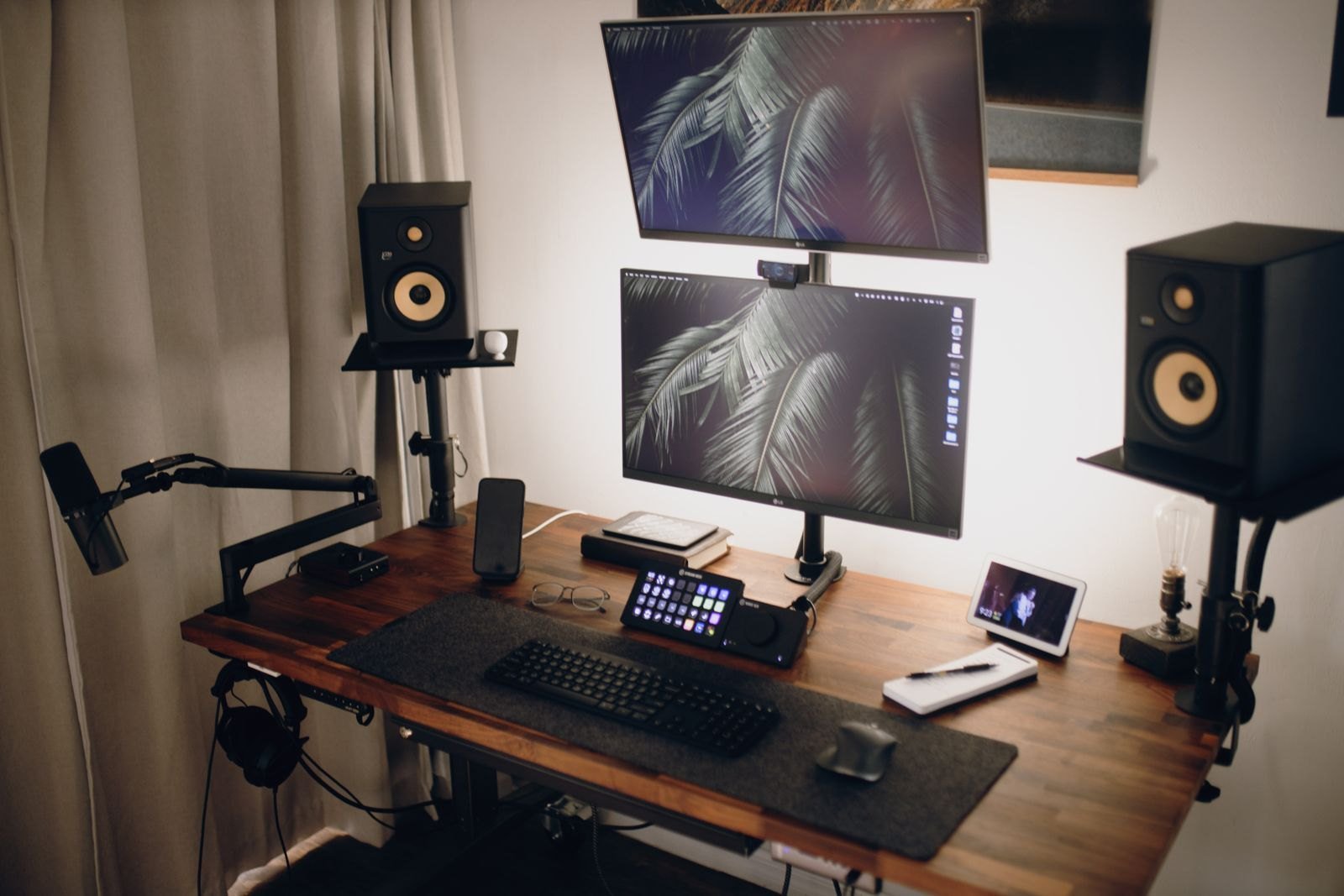
Budget: under $25
- Who it suits: a teen whose desk has a tangle of chargers, controller cables and power leads.
- Why it makes a good gift: hook-and-loop straps bundle cables neatly and open again whenever something is added, which happens often in a teen setup.
- The catch: it is a practical add-on rather than a main gift, so pair it with the monitor or arm.
- Compatibility: works with any cable.
Step 3: Comfort and sound
Corsair TC100 RELAXED
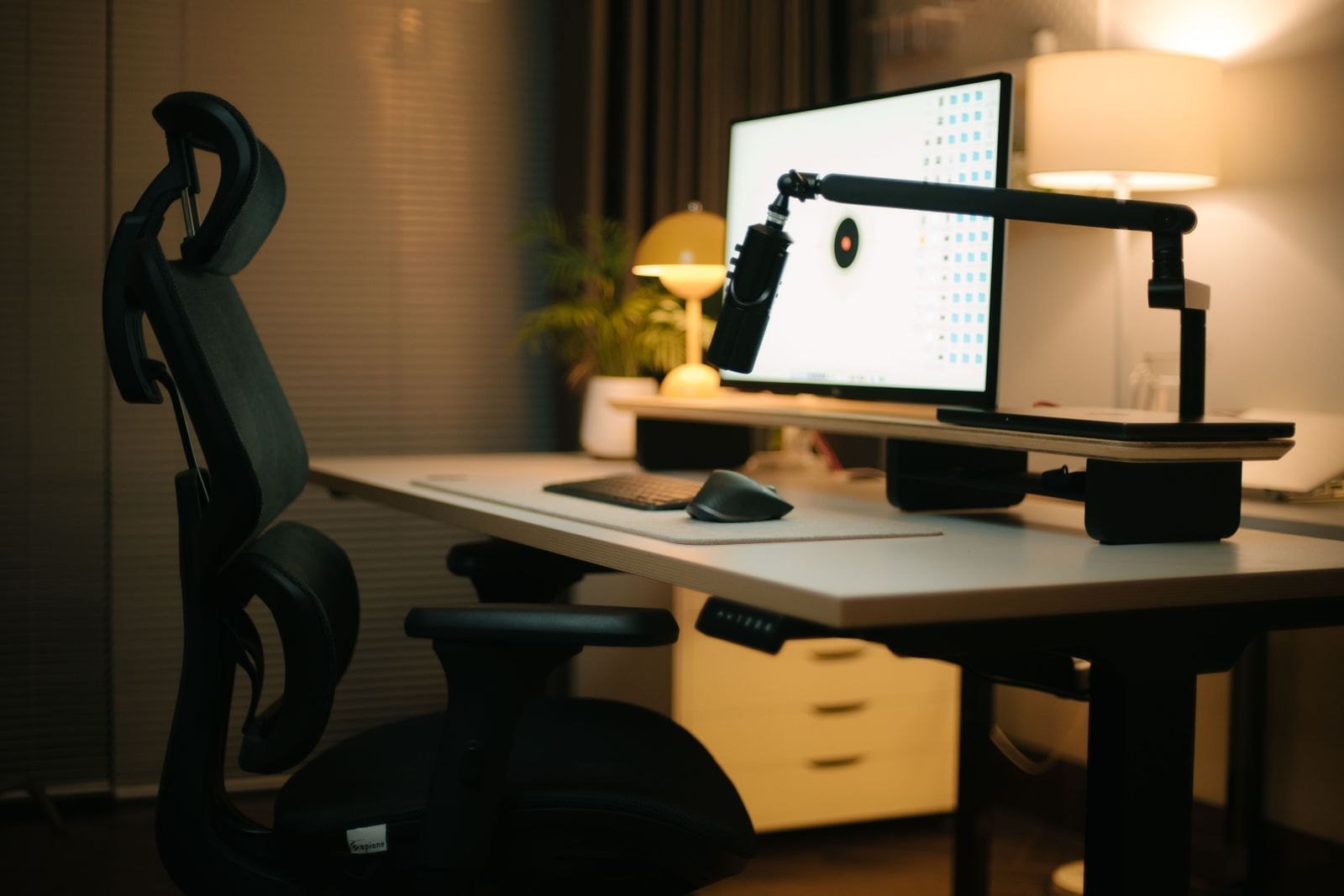
Budget: $200 to $300
- Who it suits: a teen who games for long sessions on an ordinary chair.
- Why it makes a good gift: it has breathable fabric, a seat back that reclines from 90 to 160 degrees, height-adjustable armrests, and lumbar and neck pillows, and supports up to 120 kg.
- The catch: racing-style gaming chairs are more about looks than ergonomics. The bucket seat and fixed bolsters do not suit everyone, and a good adjustable office chair can be more comfortable for the same money.
- Compatibility: check the seat height range (45 to 53 cm) against their height and the desk.
HyperX Cloud III
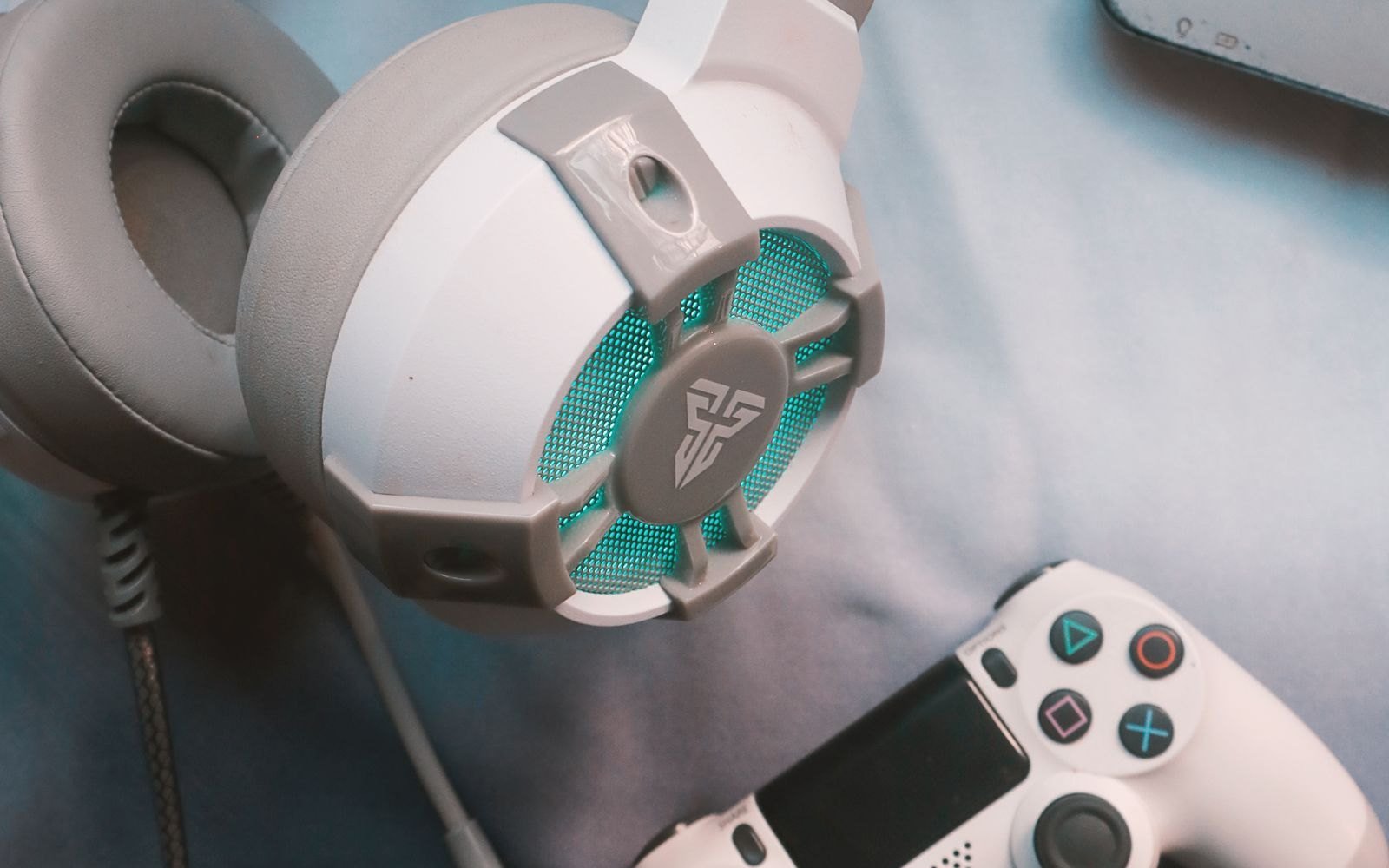
Budget: $50 to $100
- Who it suits: a teen who plays team games with friends and needs to be heard clearly.
- Why it makes a good gift: it has 53mm drivers, a detachable noise-cancelling microphone with a mute LED, and volume and mute controls on the earcup, per HyperX.
- The catch: it is wired, so it ties them to the PC or controller.
- Compatibility: 3.5mm, USB-C and USB-A connections are all included, and it works with PC, PS5, Xbox, Switch and phones.
Step 4: Lighting
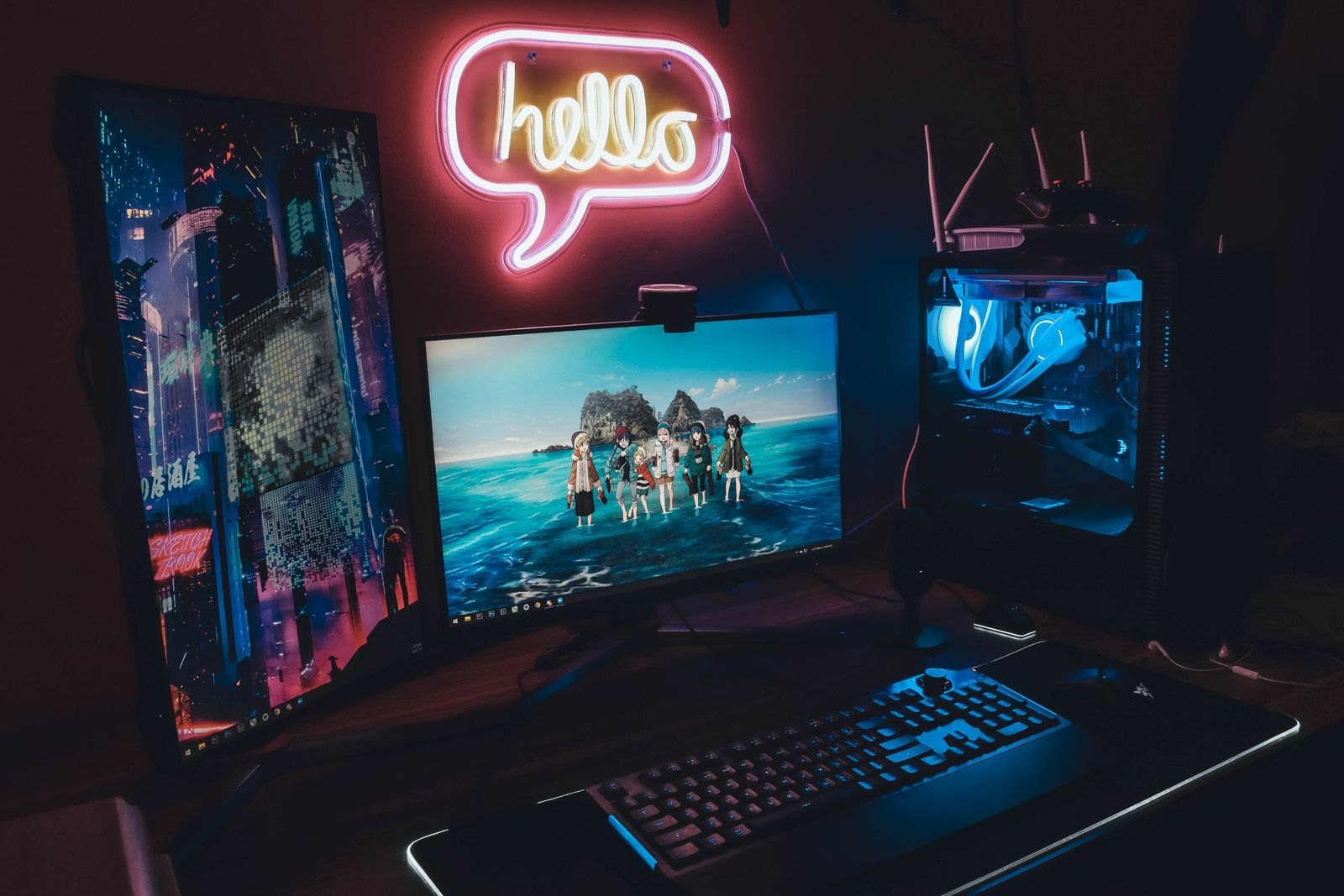
Govee RGBIC LED strip lights
Budget: under $50
- Who it suits: a teen who wants their setup to look like the ones they watch online.
- Why it makes a good gift: a 5 m (16.4 ft) strip behind the desk or monitor changes the whole room for little money, with app control, music sync and scenes, and it works with Alexa and Google Assistant.
- The catch: the adhesive can peel paint when removed, so stick it to the desk or monitor rather than the wall in a rented home.
- Compatibility: needs a power outlet nearby and the Govee app on a phone.
Screen time and volume
None of these gifts limit play time on their own, but the platforms do. Microsoft Family Safety sets screen-time limits on Windows and Xbox, and PS5 parental controls can limit daily play time. For hearing, keep headset volume at a level where they can still hear someone speaking nearby, and use the earcup volume wheel rather than turning the PC up to maximum.
What to check before you buy
- Their graphics card or console. It decides which monitor makes sense.
- Desk size and edge thickness. Needed for the mat and the monitor arm.
- VESA mount. Check the back of the monitor before buying an arm.
- Their height. Compare it with the chair’s seat height and the desk.
Gifts to skip
- A 240Hz or 4K monitor for a mid-range PC. The graphics card can’t use it.
- No-name gaming chairs. Thin foam and weak gas lifts wear out fast.
- Headsets without a proper mic for a teen who plays with friends.
More guides are in our gaming monitors section. More gift ideas: under $50, under $100, stocking stuffers for gamers and gift ideas for gaming laptop owners. Got a gift card? See our gaming upgrades to buy with a gift card.
Photos: Matheus Bertelli, Alena Darmel, Nikhil Pawar, Josh Sorenson, RDNE Stock project, Lynde, Alpha En and Reimond Mar Depra on Pexels, free to use under the Pexels License.