
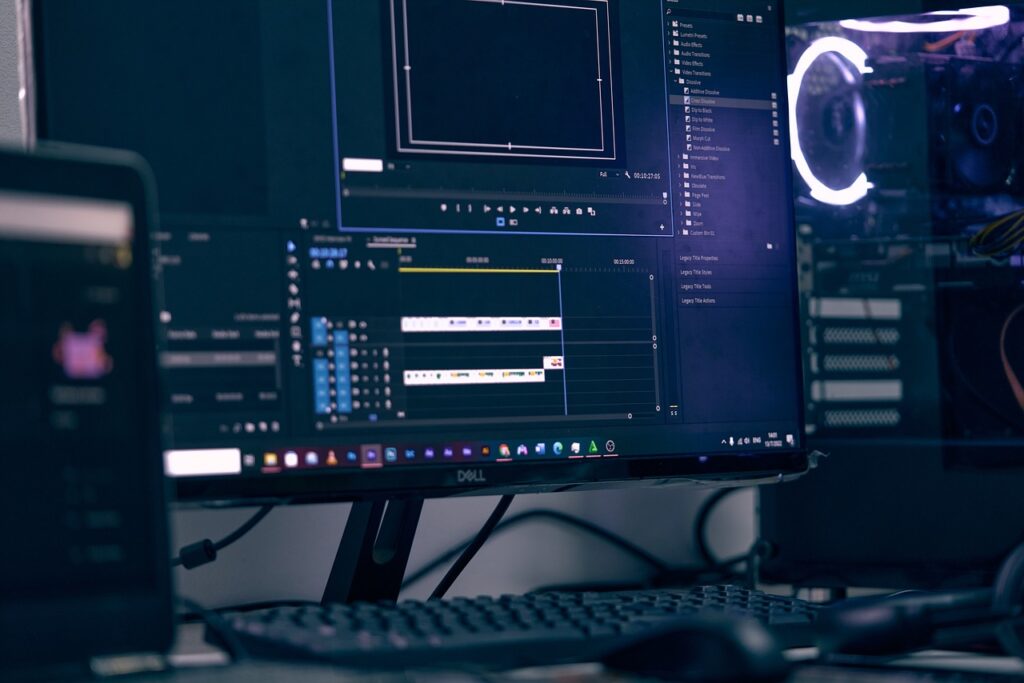
It’s natural to assume that gaming Computers, which have formidable components, can also do video editing, which ultimately demands a lot of computational and processing capacity. And you’re definitely right in your assumption. However, video editing in and of itself is a collection of a wide variety of resource-intensive tasks, which also depend on the type of video you’re editing.
In short, most gaming computers will do great in editing up to full HD videos (1920×1080 resolution) with ease. However, users may run into a bottleneck if editing dynamic animations (both 3D and 2D) with limited RAM, a smaller GPU, or a slow CPU. So the type of video also matters a lot.
Table of Contents
To learn more details about how specific components affect your gaming PC’s video editing and rendering capability, let’s look into the 4 things you must consider before purchasing a gaming computer for video editing.
Things to consider before Editing videos on your gaming computer
When it comes to video editing, emphasis is put on getting the best components for your computer. However, another factor that most people overlook is the type of videos they’re editing. For instance, if you’re editing simple real-life videos recorded on an HD (1080×720) or an FHD (1920×1080) camera, even a regular computer without a GPU would manage. The real issue arises when rendering complex animations and processing 3D or 2D visualizations.
Fortunately, building a well-rounded video editing machine involves upgrading/changing the same components that make a powerful gaming computer. In fact, if you already have a gaming PC, you can go through this post to know when to upgrade which component of your PC.
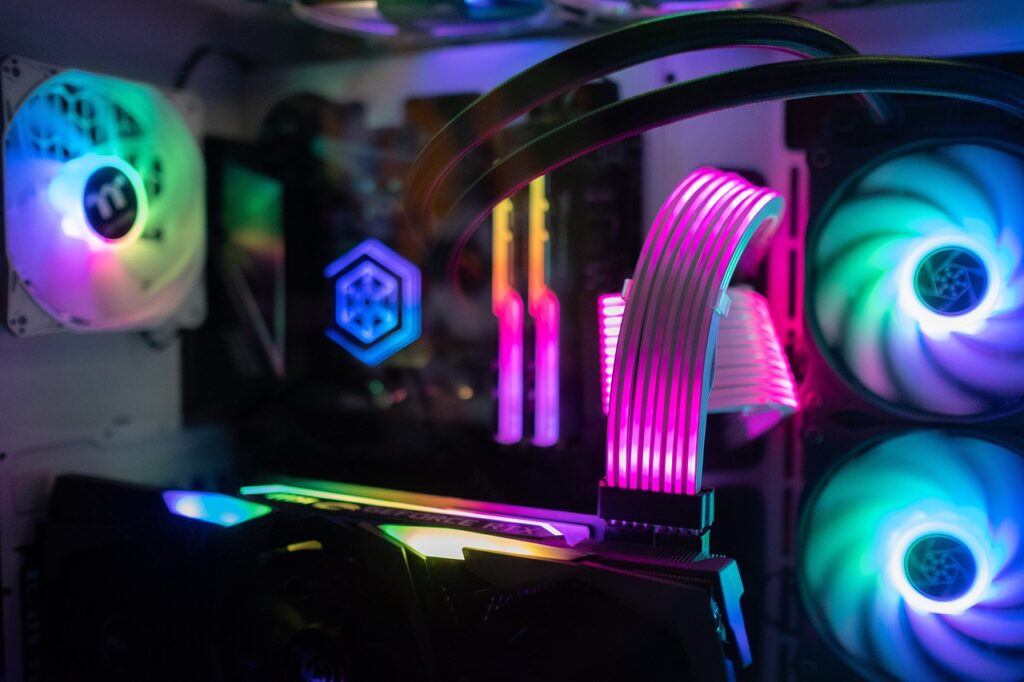
In this post, we will go through the impact of each of the major components of a gaming PC on your overall video editing experience.
CPU
For video editing, a powerful CPU is essential for handling complex video editings tasks such as transcoding, rendering, and encoding. The more cores a CPU has, the more efficiently it can process multiple tasks simultaneously, crucial for video editing software designed to take advantage of multi-threaded processing.
Notwithstanding the number of cores, clock speed is additionally significant for video altering. The CPU’s clock speed determines how quickly it can complete individual tasks like applying effects or rendering frames.
AMD Ryzen processors and Intel Core i7 or i9 processors are among the best CPU choices for video editing due to their high core counts and clock speeds.
RAM
Another essential component of a gaming PC for video editing is RAM. Data that the CPU needs to access quickly is temporarily stored in RAM. RAM plays a crucial role in managing large files and multiple open applications during video editing, significantly impacting a computer’s overall performance.
Ideally, you should have at least 16 GB of RAM for video editing. You won’t have to worry about lag or performance issues when working with larger files and multiple applications with this. In any case, for seriously demanding editing errands, for example, 4K or 8K video editing, consider having 32GB or a greater amount of RAM to guarantee smooth execution.
When choosing a gaming PC for video editing, it is also essential to consider the RAM’s speed and latency. The processing of graphical data and the time it takes for video data to load can be sped up by having faster RAM. Additionally, RAM with lower latency can help speed up the CPU’s access to memory-based data, boosting overall system performance.
STORAGE
Storage is another critical component in a gaming PC for video editing. Project files, raw footage, and rendered output during video editing necessitate a significant amount of storage space.
For PCs in general, there are two main storage options: solid-state drives (SSDs) and hard disk drives (HDDs). Although HDDs are slower than SSDs, their larger storage capacities come at a lower cost per GB. SSDs, on the other hand, are faster, more robust, and offer more life than HDDs, but they typically cost more.
SSDs should be your primary storage device when working with video editing. This is because that SSDs can assist with the smooth execution of video editing tasks and diminish stacking times for video files which are usually huge in size. Additionally, SSDs are less prone to mechanical failure and more reliable than HDDs.
A separate hard drive for project files and raw footage can help keep your primary SSD free for running applications and storing temporary files, so it’s a good idea to have one. A high-capacity HDD may be a smart choice because it offers larger storage capacity inexpensively.
GPU
The GPU (Graphics Processing Unit) is another important component in a gaming PC for video editing. The GPU is responsible for handling the graphics and video processing tasks, such as rendering, encoding, and playback.
A powerful GPU can significantly boost performance in video editing and shorten the time it takes to render or export a video. By separating the work from the CPU and handling it independently, GPUs can speed up video processing tasks.
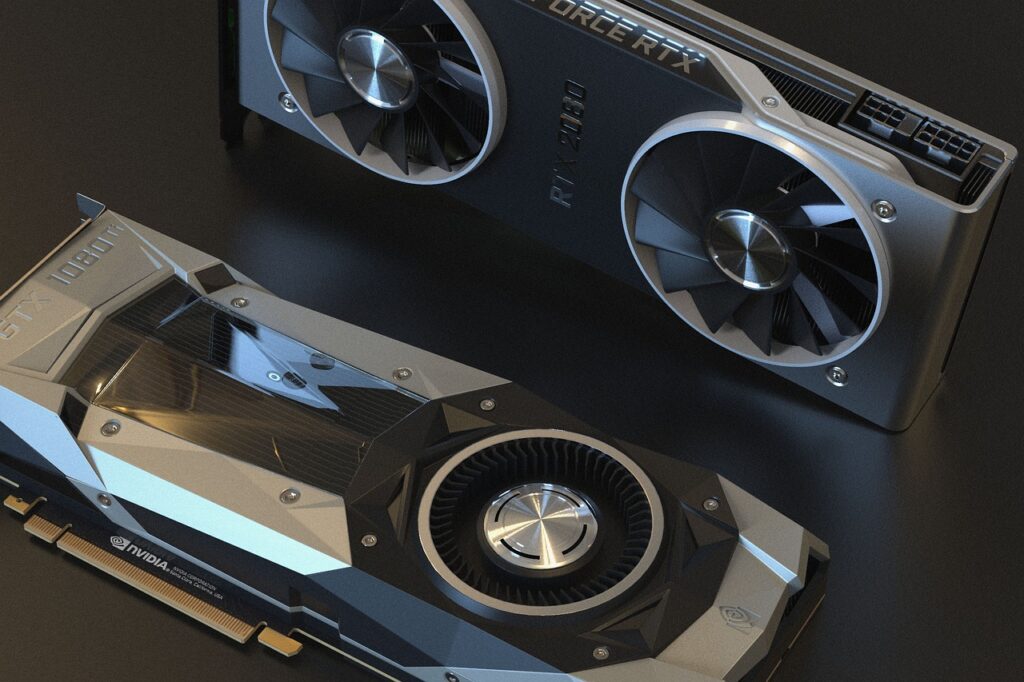
GPU acceleration is supported by some video editings applications, such as Adobe Premiere Pro and DaVinci Resolve. This feature enables the GPU and CPU to collaborate to enhance performance. Video editors could save a lot of time and be more productive as a result.
For video editing, look for a GPU with dedicated video RAM (VRAM), which can help reduce lag and improve performance. Additionally, prefer using NVIDIA GPUs with several CUDA cores or stream processors. It is a good choice because it can help speed up video processing tasks.
But What are CUDA Cores?
CUDA stands for Compute Unified Device Architecture and is a parallel computing platform and programming model created by NVIDIA. It allows software developers and scientists to harness the power of NVIDIA graphics processing units (GPUs) for general-purpose computing tasks, including video editing.
CUDA cores are the individual processing units within the GPU that enable the parallel processing of multiple tasks simultaneously, resulting in faster processing speeds. In video editing, CUDA cores can be used to accelerate various tasks such as video decoding, encoding, and rendering. This can significantly reduce the time it takes to edit and produce high-quality video content, making CUDA cores an important component for video editing professionals.
So, What Kind of Gaming PC Should I Buy?
The type of gaming PC you should buy depends on your specific needs and budget. However, if you’re looking to use your gaming PC for video editing as well, there are a few key components you should consider:
- CPU: Choose a gaming computer with a powerful CPU that has multiple cores, high clock speeds, and other features. AMD Ryzen and Intel Core i7 or i9 processors are two of the best choices for video editing.
- RAM: Your gaming computer should have at least 16GB of RAM, with the option to add 32GB or more if necessary.
- Storage: Use SSDs for your primary storage device to improve overall system performance and reduce loading times. Consider a high-capacity HDD for storing project files and raw footage.
- GPU: Choose a gaming PC with dedicated video RAM (VRAM) and a dedicated GPU with a large number of CUDA cores or stream processors.
How much should I spend on a PC for Gaming and Video editing?
The amount you should spend on a gaming PC for video editing depends on your specific needs and budget. Usually, a good gaming PC for video editing will cost around $1,000 to $1,500, with higher-end models costing more than $2,000 or more.
Gamers with experience in building gaming machines most often know what they need to upgrade to get a smooth video editing experience. However, most individuals who are starting out for the first time to build a gaming machine often look for all-in-one solutions rather than spending time on each and every component. For such readers, we list a few gaming PCs below which will do the job for you at the right price.
List of the best Video Editing Gaming PCs
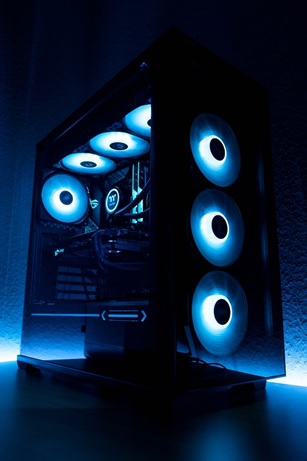
OMEN 30L Gaming Desktop
OVERVIEW:
This high-end gaming PC will have no trouble playing most games and editing videos thanks to its powerful CPU and GPU.
Video editing should go smoothly on this due to its 1TB SSD storage and 32GB RAM. In addition, the 1TB SSD and 2TB HDD are more than sufficient for storing games and videos.
SPECIFICATIONS:
- GPU: NVIDIA GeForce RTX 3080
- CPU: 10th Generation Intel Core i9-10850K
- RAM: 32GB RAM
- Storage: 1TB SSD and 2TB HDD
PRICE: from $3000-$3500
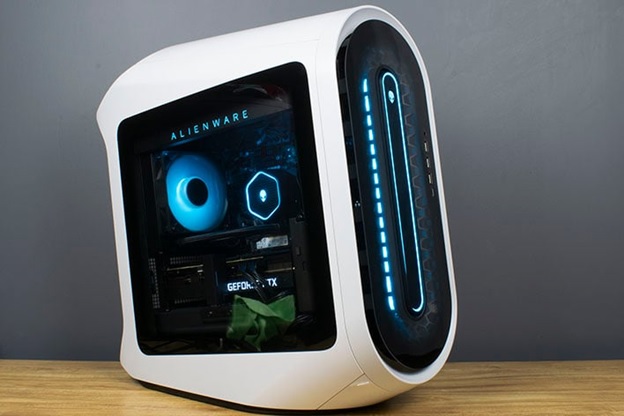
Alienware Aurora R13 Gaming Desktop
OVERVIEW:
If you don’t need a lot of power but still want high-quality output, this PC might be a good choice for gaming or video editing.
For the majority of games and video editing tasks, its GPU is quite powerful. And due to its GPU, it should be able to render videos quickly enough to avoid frustration, even though its 16GB RAM is not ideal for video editing.
SPECIFICATIONS:
- GPU: NVIDIA GeForce RTX 3060 Ti 8GB GDDR6
- CPU: Intel Core i7-12700F
- RAM: 16GB DDR5 RAM
- Storage: 512GB SSD and 1TB HDD
PRICE: $1800-$2500
NOTE: These prices are rough estimates which consider the same set of specifications stated for each PC.
Conclusion:
When it comes to video editing, it all boils down to the same old components that make a good gaming PC. You can either customize these components if you have the knowledge or look for an all-in-one solution where you get the complete package in a single purchase which can get a bit expensive.