
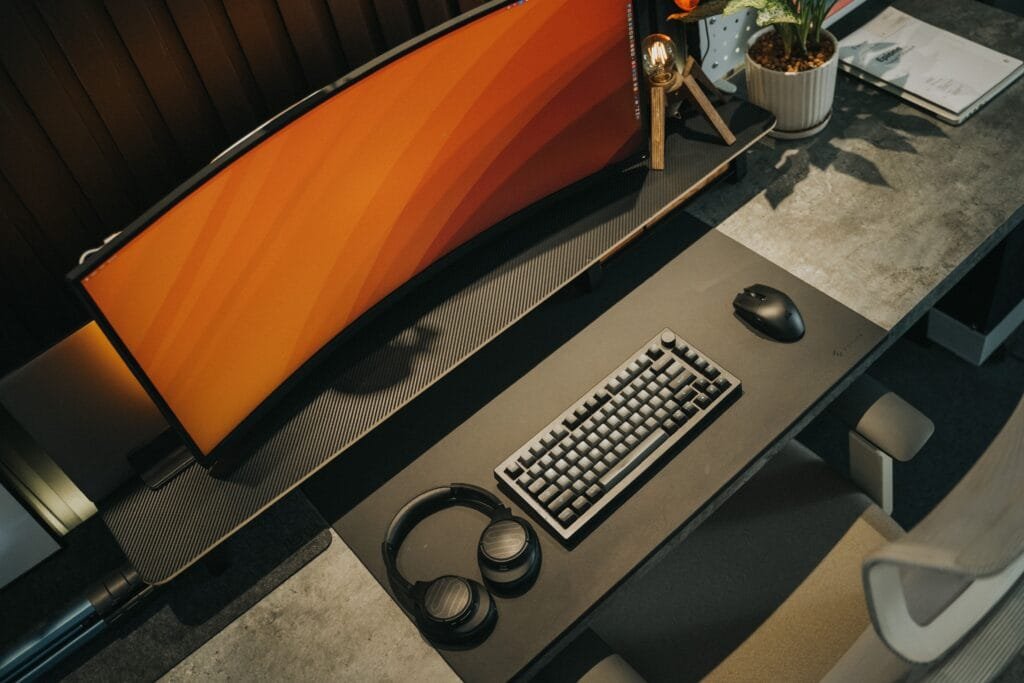
If you are looking for a gaming monitors under 300$ that won’t break the bank, you might be interested in some of the options listed here that offer a wide variety of options. These gaming monitors offer impressive performance and features for a reasonable price, and they can enhance your gaming experience without compromising on quality. Here are some of the best gaming monitors under 300$ that you can buy right now.
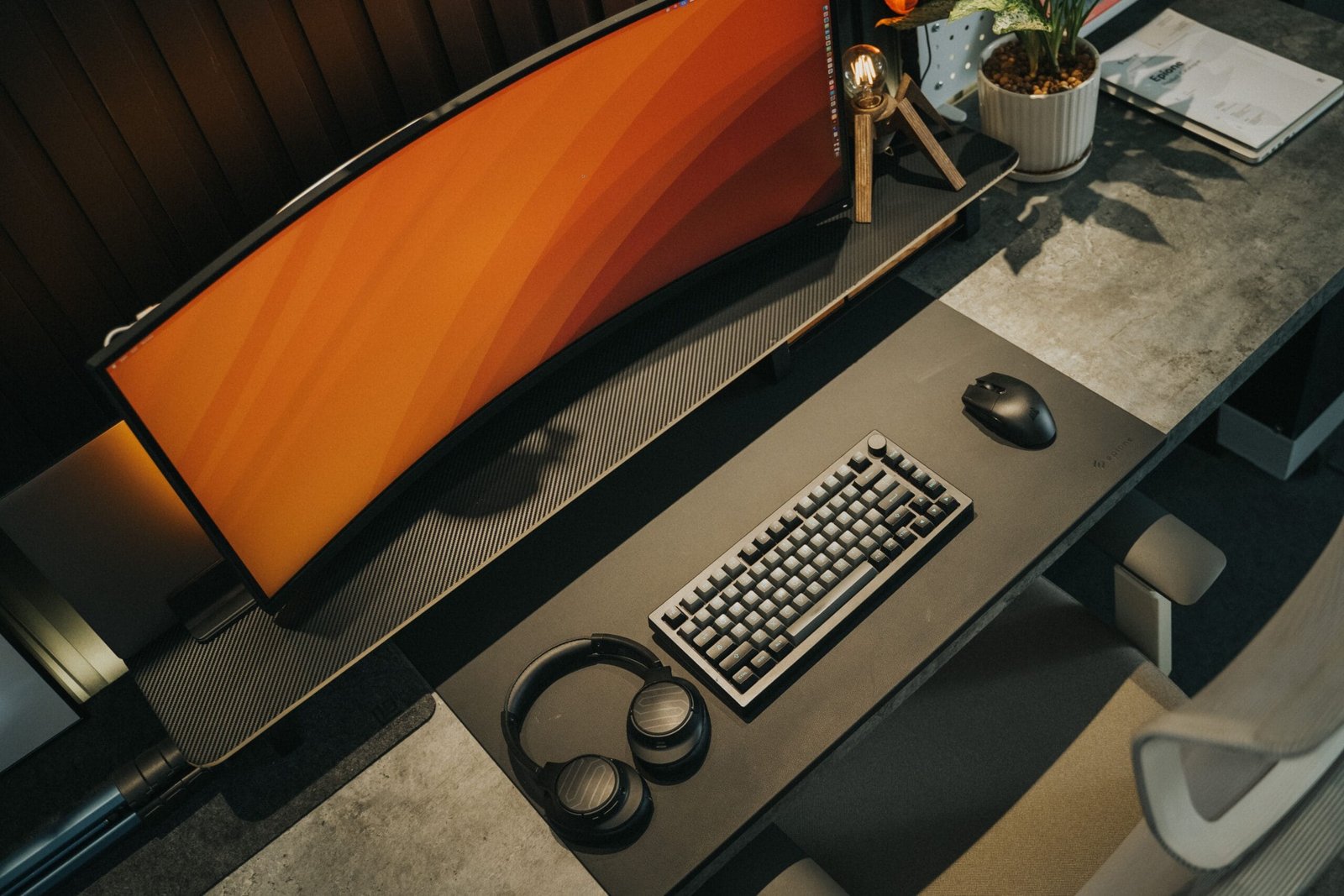
The big shift for 2026 is that 1440p has become the default at this price. Panels that cost well over $400 two years ago now sit comfortably under $300, so unless you specifically want maximum frame rates for competitive shooters, a 27-inch 1440p monitor is the better buy than another 1080p screen.
Best overall: AOC Q27G3XMN
This is the standout pick and the monitor that reset expectations for the budget segment. For roughly $250 to $280 you get a 27-inch 1440p VA panel at 180Hz with 336-zone Mini-LED backlighting, DisplayHDR 1000 certification, peak brightness around 1,300 nits, and FreeSync Premium Pro.
The Mini-LED backlight is what makes this notable. Most budget monitors carry a DisplayHDR 400 sticker that amounts to little more than a brightness boost, because real HDR needs local dimming. With 336 dimming zones, this one produces genuine HDR with deep blacks and bright highlights. The trade-off is the VA panel: if you are sensitive to dark-scene ghosting, look at the IPS options below instead.
Best for competitive play: ASUS TUF Gaming VG27AQ3A
If pixel response matters more to you than HDR, this is the better choice. A 27-inch 1440p IPS panel running at 170Hz or higher, with a 1ms response time, ELMB motion blur reduction, and G-SYNC compatibility. Modern fast IPS panels have closed most of the old response-time gap with TN while keeping far better colour accuracy and viewing angles, which makes this a monitor you can comfortably work on as well as game on.
Best value: GIGABYTE M27Q2
A 27-inch 1440p Quantum Dot IPS panel running at 200Hz (overclockable to around 210Hz), usually at the lower end of this price bracket. If you want the highest refresh rate per dollar at 1440p without giving up IPS colour, this is the one. The Gigabyte M27Q variants are also worth a look for dual-use setups, since some include a KVM switch and USB-C connectivity that make switching between a desktop and a laptop straightforward.
Best budget 1080p option: AOC 27G2SP
If your GPU sits below the RTX 4060 or RX 7600 tier, pushing 1440p may not be realistic, and a good 1080p panel is the sensible call. The 27G2SP is reliable value at high refresh rates. For an even tighter budget, the LG 24GS65F-B at roughly $130 to $160 gives you a 24-inch 1080p IPS panel at 180Hz with FreeSync Premium, which is about as good as this price allows.
Best ultrawide: LG 34WN80C-B
Ultrawide remains the one category where this budget forces a real compromise. The 34WN80C-B is still the default recommendation at this price, giving you a 34-inch panel and a much wider field of view for immersive single-player games, racing, and flight sims. The catch is a lower refresh rate than the 27-inch picks above, so it suits atmospheric and strategy games far better than competitive shooters.
What actually matters at this price
Three specifications decide the outcome. Resolution and size first, where 27-inch 1440p is the sweet spot. Backlight technology second, since Mini-LED with 300 or more dimming zones is the only way to get real contrast at this budget. Refresh rate and adaptive sync third, with 144Hz as the practical minimum and FreeSync or G-SYNC compatibility to keep motion tear-free. RGB lighting, aggressive styling, and USB hubs are ancillary. Judge the panel, then the backlight, then the refresh rate.
Final words
These are some of the best gaming monitors under 300$ that you can buy right now. They offer great value for money and can improve your gaming experience significantly. Whether you want a fast, smooth, immersive, or adaptive gaming monitor, you can find one that suits your needs and budget among these options. Want to see a guide to gaming monitors? Here is a list of options
Happy gaming!